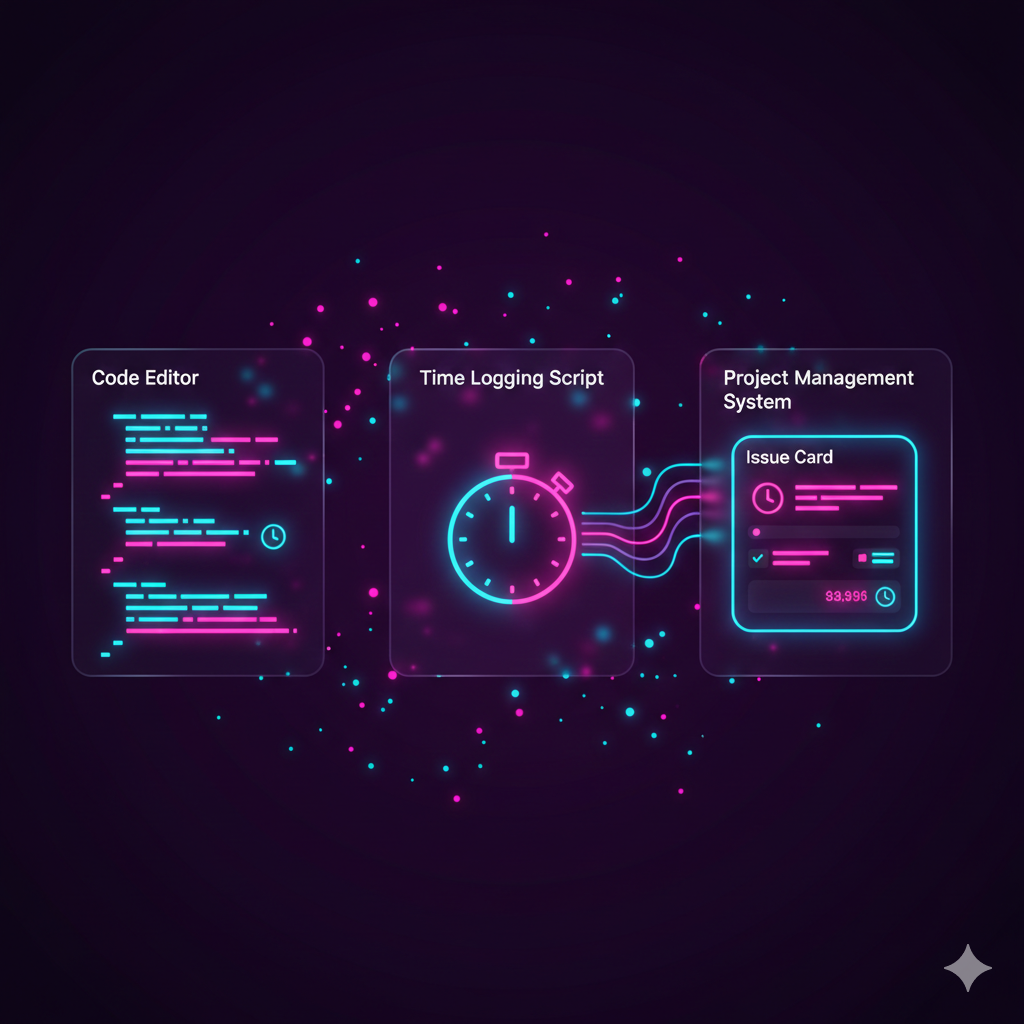
This is an article to document how we created a button off a Bill record in ZohoBooks which generates a text file to be sent to a bank and downloads it to the staff member's workstation.
Why?
Why is this a challenge? The file contains bank details and should not be stored anywhere. Generating a text or CSV file and then having it emailed to anyone is an easy task but here we cannot have that file sat on someone's mailbox. It must be downloaded (as in browser downloads it to the computer immediately) and then removed from wherever it was downloaded from... All within ZohoBooks without using any other apps or software.
How?
Here's how to use it:
- Staff member clicks on button
- File downloads to their workstation
- File is generated
- FIle is attached to the last record of the source data
- File identifying number is returned from being attached
- File is opened in a new tab/window to trigger downloading.
- File is deleted from attachments based on its identifying number (allows other attachments to remain intact)
Generate the file
The code here is a cut down version just to demonstrate generating a text file and storing this into a variable:
copyraw
//
// initialize
v_CSVString = "Bank Sort Code,Bank Acc. No,Account Holder";
v_CSVString = v_CSVString + "12-34-56,012345678,Joel Lipman";
//
// convert to a TXT file (not a CSV...)
f_BillsExport = v_CSVString.tofile("PaymentRun.txt");
- //
- // initialize
- v_CSVString = "Bank Sort Code,Bank Acc. No,Account Holder";
- v_CSVString = v_CSVString + "12-34-56,012345678,Joel Lipman";
- //
- // convert to a TXT file (not a CSV...)
- f_BillsExport = v_CSVString.tofile("PaymentRun.txt");
Attach the file
Attach this to any record. Here we'll use the last record used initally to generate this CSV/Text file; which happens to be a bill:
copyraw
//
// build attachment request
m_Attachment = Map();
m_Attachment.put("paramName", "attachment");
m_Attachment.put("content", f_BillsExport);
//
// this variable name is in plural, but as a custom function within ZohoBooks, we know this is just 1 bill record, still...
for each r_Bill in bills
{
	v_BillID = r_Bill.get("bill_id");
}
//
// send attachment request
r_Attachment = invokeurl
[
	url: "https://www.zohoapis.com/books/v3/bills/" + v_BillID + "/attachment?organization_id=123456789"
	type: POST
	files: m_Attachment
	connection: "zbooks"
];
- //
- // build attachment request
- m_Attachment = Map();
- m_Attachment.put("paramName", "attachment");
- m_Attachment.put("content", f_BillsExport);
- //
- // this variable name is in plural, but as a custom function within ZohoBooks, we know this is just 1 bill record, still...
- for each r_Bill in bills
- {
- v_BillID = r_Bill.get("bill_id");
- }
- //
- // send attachment request
- r_Attachment = invokeurl
- [
- url: "https://www.zohoapis.com/books/v3/bills/" + v_BillID + "/attachment?organization_id=123456789"
- type: POST
- files: m_Attachment
- connection: "zbooks"
- ];
Open the file / Download via Browser
We're going to use an openUrl() function here in the hopes that your browser will just begin downloading it (failing this it will open up in the browser and staff member will need to be instructed on how to 'File > Save As...'):
copyraw
//
// if successful
if(r_Attachment.get("code") == 0)
{
	l_DocumentResponse = r_Attachment.get("documents");
	for each r_Doc in l_DocumentResponse
	{
		v_DocumentID = r_Doc .get("document_id");
		break;
	}
	//
	// open/download the file immediately to workstation
	openurl("https://books.zoho.com/api/v3/documents/" + v_DocumentID + "?organization_id=123456789&","new window");
}
- //
- // if successful
- if(r_Attachment.get("code") == 0)
- {
- l_DocumentResponse = r_Attachment.get("documents");
- for each r_Doc in l_DocumentResponse
- {
- v_DocumentID = r_Doc .get("document_id");
- break;
- }
- //
- // open/download the file immediately to workstation
- openurl("https://books.zoho.com/api/v3/documents/" + v_DocumentID + "?organization_id=123456789&","new window");
- }
Delete the file
We need to delete this file from the attachments as well as from the system as it contains bank details. You can skip this step if you're not bothered about storing this file on the system. Note that if you use the endpoint to delete the attachment from the bill, it is still stored in the documents directory of Zoho Books. Deleting the file from the documents directory of Zoho Books (without disassociating it from the attachments), will remove the file permanently. You only need to run either of these as the second one runs both (disassociate and delete):
copyraw
// disassociate as attachment (removes attachment from the Bill but keep in ZohoBooks documents)
r_Detach = invokeurl
[
	url :"https://www.zohoapis.com/books/v3/bills/" + v_BillID + "/attachment/" + v_DocumentID + "?organization_id=123456789"
	type :DELETE
	connection:"zbooks"
];

// remove from attachments and delete permanently from documents in ZohoBooks
r_Detach = invokeurl
[
	url :"https://www.zohoapis.com/books/v3/bills/" + v_BillID + "/documents/" + v_DocumentID + "?organization_id=123456789"
	type :DELETE
	connection:"zbooks"
];
- // disassociate as attachment (removes attachment from the Bill but keep in ZohoBooks documents)
- r_Detach = invokeurl
- [
- url :"https://www.zohoapis.com/books/v3/bills/" + v_BillID + "/attachment/" + v_DocumentID + "?organization_id=123456789"
- type :DELETE
- connection:"zbooks"
- ];
- // remove from attachments and delete permanently from documents in ZohoBooks
- r_Detach = invokeurl
- [
- url :"https://www.zohoapis.com/books/v3/bills/" + v_BillID + "/documents/" + v_DocumentID + "?organization_id=123456789"
- type :DELETE
- connection:"zbooks"
- ];
Caveat(s)
- The delete process may need to be in a schedule: you can use a custom module in ZohoBooks to store the necessary information of what to delete.
Undocumented extras
Just making a list of things that at-time-of-print of this article aren't in the official Zoho documentation:
- Query the documents folder
Source(s)
Category: Zoho Books :: Article: 387