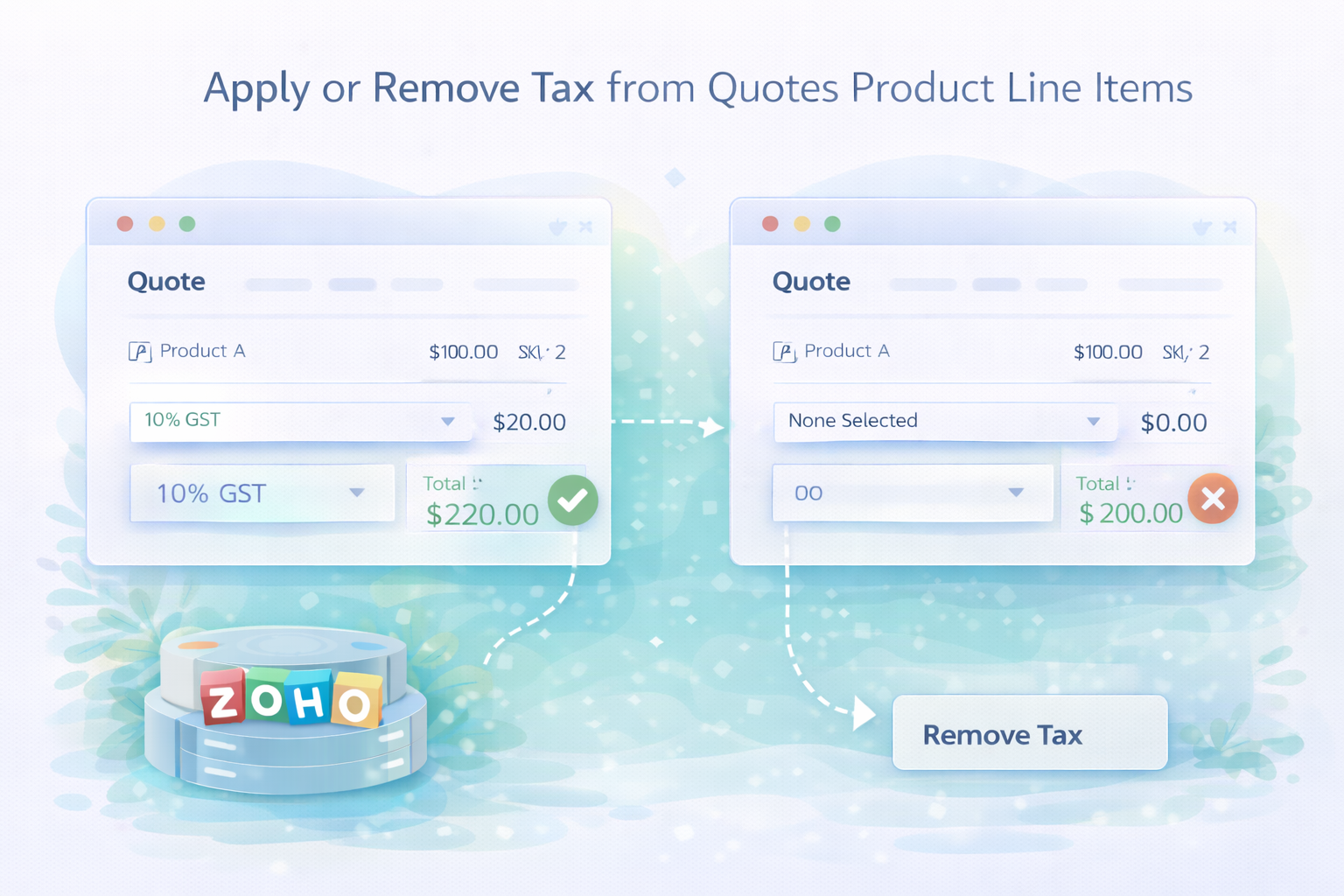
A quick reminder on when I want to apply overall Tax or remove Tax from a quotes product line items.
Why?
I would apply the standard update function and although the response would say it modified the record, the tax wouldn't apply both visually and programmatically.
How?
A little undocumented this "feature" but the gist is if you want to add tax, it has to be built up in the tax options, if you want this to be zero, you need to pass the option of tax as zero and remove all other options.
Take the following code for example, this will add 20% tax to the overall Tax on this record (where p_QuoteID is the ID of the quote):
copyraw
// init Map
m_UpdateQuote = Map();
//
r_QuoteDetails = zoho.crm.getRecordById("Quotes", p_QuoteID);
v_SubTotal = r_QuoteDetails.get("Sub_Total").toDecimal() * 0.2;
v_GrandTotal = r_QuoteDetails.get("Sub_Total").toDecimal() * 1.2;
v_TotalTax = v_GrandTotal * 0.2;
m_UpdateQuote.put("Tax",round(v_TotalTax,2));
m_UpdateQuote.put("Grand_Total",round(v_GrandTotal ,2));
//
// build up tax options
l_TaxOptions = List();
m_TaxOption1 = Map();
m_TaxOption1.put("percentage",20);
m_TaxOption1.put("name","VAT");
m_TaxOption1.put("value",v_TotalTax);
l_TaxOptions.add(m_TaxOption1);
m_TaxOption2 = Map();
m_TaxOption2.put("percentage",0);
m_TaxOption2.put("name","No VAT");
m_TaxOption2.put("value",0);
l_TaxOptions.add(m_TaxOption2);
m_UpdateQuote.put("$line_tax",l_TaxOptions);
//
// update record
r_Update = zoho.crm.updateRecord("Quotes", p_QuoteID, m_UpdateQuote);
- // init Map
- m_UpdateQuote = Map();
- //
- r_QuoteDetails = zoho.crm.getRecordById("Quotes", p_QuoteID);
- v_SubTotal = r_QuoteDetails.get("Sub_Total").toDecimal() * 0.2;
- v_GrandTotal = r_QuoteDetails.get("Sub_Total").toDecimal() * 1.2;
- v_TotalTax = v_GrandTotal * 0.2;
- m_UpdateQuote.put("Tax",round(v_TotalTax,2));
- m_UpdateQuote.put("Grand_Total",round(v_GrandTotal ,2));
- //
- // build up tax options
- l_TaxOptions = List();
- m_TaxOption1 = Map();
- m_TaxOption1.put("percentage",20);
- m_TaxOption1.put("name","VAT");
- m_TaxOption1.put("value",v_TotalTax);
- l_TaxOptions.add(m_TaxOption1);
- m_TaxOption2 = Map();
- m_TaxOption2.put("percentage",0);
- m_TaxOption2.put("name","No VAT");
- m_TaxOption2.put("value",0);
- l_TaxOptions.add(m_TaxOption2);
- m_UpdateQuote.put("$line_tax",l_TaxOptions);
- //
- // update record
- r_Update = zoho.crm.updateRecord("Quotes", p_QuoteID, m_UpdateQuote);
To set it to zero, simply remove any other options:
copyraw
// init Map
m_UpdateQuote = Map();
//
r_QuoteDetails = zoho.crm.getRecordById("Quotes", p_QuoteID);
v_SubTotal = r_QuoteDetails.get("Sub_Total").toDecimal() * 1;
v_GrandTotal = r_QuoteDetails.get("Sub_Total").toDecimal() * 1;
m_UpdateQuote.put("Tax",0);
m_UpdateQuote.put("Grand_Total",round(v_GrandTotal ,2));
//
// build up tax options
l_TaxOptions = List();
m_TaxOption2 = Map();
m_TaxOption2.put("percentage",0);
m_TaxOption2.put("name","No VAT");
m_TaxOption2.put("value",0);
l_TaxOptions.add(m_TaxOption2);
m_UpdateQuote.put("$line_tax",l_TaxOptions);
//
// update record
r_Update = zoho.crm.updateRecord("Quotes", p_QuoteID, m_UpdateQuote);
- // init Map
- m_UpdateQuote = Map();
- //
- r_QuoteDetails = zoho.crm.getRecordById("Quotes", p_QuoteID);
- v_SubTotal = r_QuoteDetails.get("Sub_Total").toDecimal() * 1;
- v_GrandTotal = r_QuoteDetails.get("Sub_Total").toDecimal() * 1;
- m_UpdateQuote.put("Tax",0);
- m_UpdateQuote.put("Grand_Total",round(v_GrandTotal ,2));
- //
- // build up tax options
- l_TaxOptions = List();
- m_TaxOption2 = Map();
- m_TaxOption2.put("percentage",0);
- m_TaxOption2.put("name","No VAT");
- m_TaxOption2.put("value",0);
- l_TaxOptions.add(m_TaxOption2);
- m_UpdateQuote.put("$line_tax",l_TaxOptions);
- //
- // update record
- r_Update = zoho.crm.updateRecord("Quotes", p_QuoteID, m_UpdateQuote);
Category: Zoho Deluge :: Article: 244