Zoho Projects: Get All Events
- Category: Zoho Projects
- Hits: 38481
A quick article because I couldn't find anything that documented this with a working example.
Why?
The use-case here is that we want to make a ZohoCreator page display events for this month from ZohoProjects.
How?
The bit that stumped me was making a call to the Events endpoint as it would just come back with a blank response...
The reason it was blank was due to my parameters; the key item to remember is that status is a mandatory field and it can either be "closed" or "open".

Zoho Projects: Deluge to Submit Custom Fields
- Category: Zoho Projects
- Hits: 24580
A super quick article to demonstrate an example where we create a project with custom fields.
Why?
At time of print, the documentation on the Projects API would only show responses rather than requests. Sure it lists fields that are required in the request but not a sample request packaged to be sent.
How?
Let's assume that my custom fields have as identifiers UDF_CHAR8 (which is a Zoho ID) and UDF_CHAR7 (which is a text/string name field).
Zoho Projects: Add a Time Log to an Issue using Deluge
- Category: Zoho Projects
- Hits: 53413
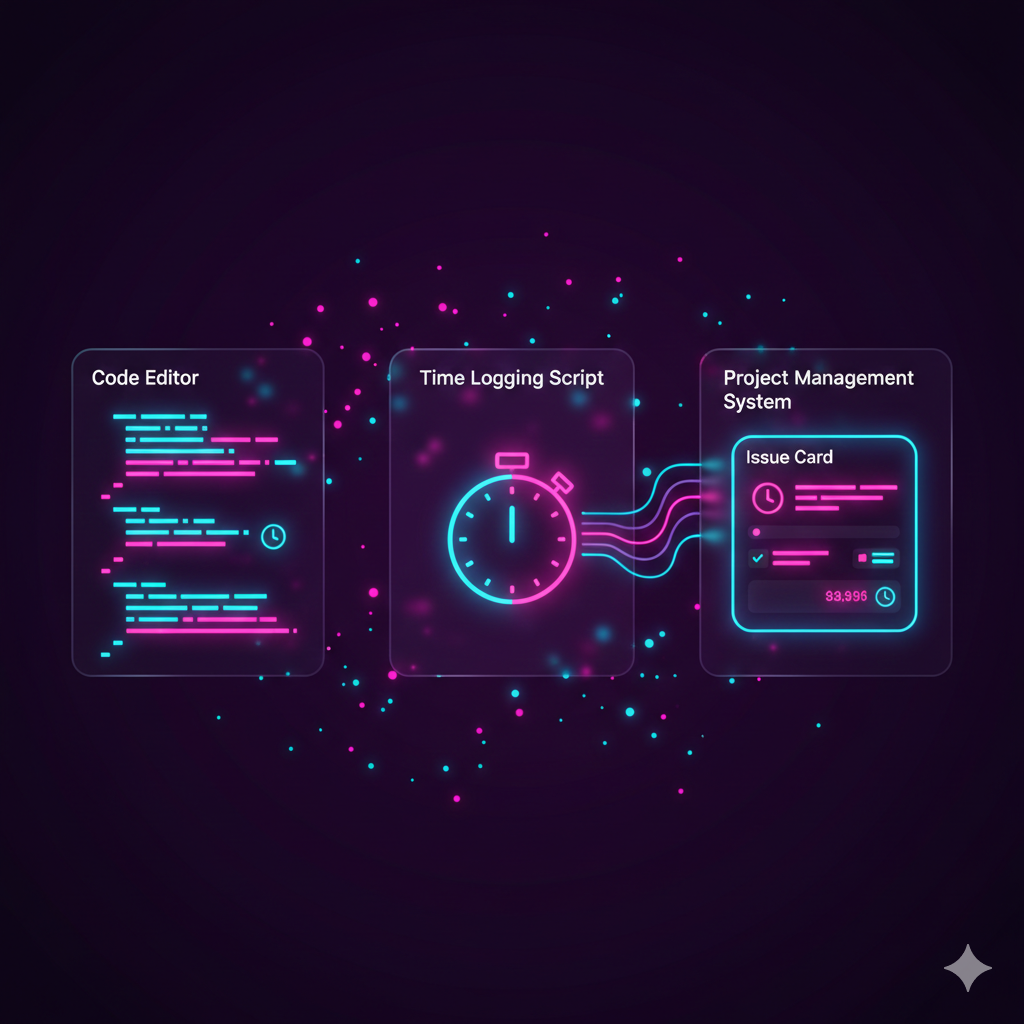
This is an article to demonstrate how to log a time event under a Zoho Projects Issue using code (Zoho Deluge) rather than the graphical user interface (GUI). Note this would probably be similar to when trying to enter a time against a project Task but this article is focused on getting this working against Project Issues. Also note, we will refer to Project Issues in this article, but in the backend code, Zoho refer to Issues as "Bugs".
Why?
At time of this article (Apr-2021), we could not find a working example that could allow us to do this. I have provided some links at the end of this article for you which we tried to use but only helped us out about half-way, the rest we guessed on our own:
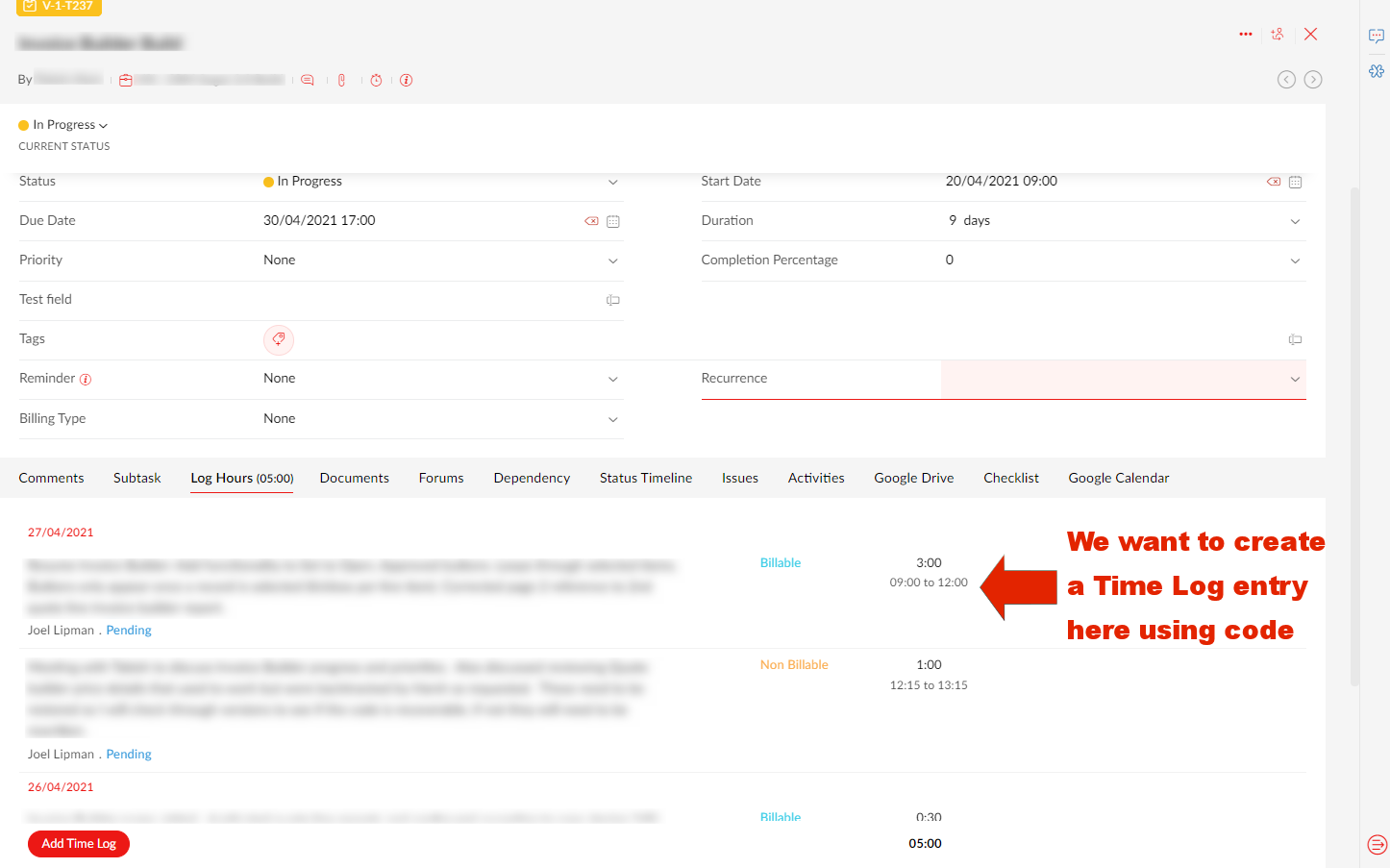
Our use case, is that we are developing a Zoho Creator app that will help staff log time and then push the creator record to Zoho Projects.
How?
For the following example, you will need to have setup a Zoho Oauth Connection with the appropriate authorized scopes and have access to all related systems such as Zoho Projects and the originating app (in this example, Zoho Creator).