

- Download the appropriate file for your system (see compatibility table below)
- Login to your Joomla admin panel and install as per usual.
How to Use
- Install the ZIP using your Joomla! Admin Panel > Extension Manager
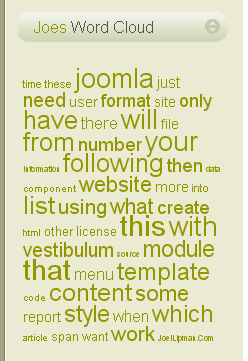
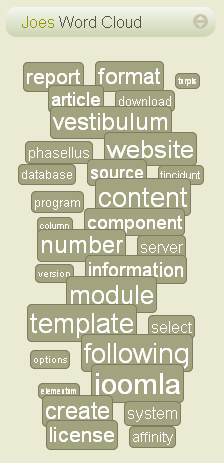
- View the module on your front-end to see if it does what you want it to do.
- Modify the module parameters as necessary.
Setup
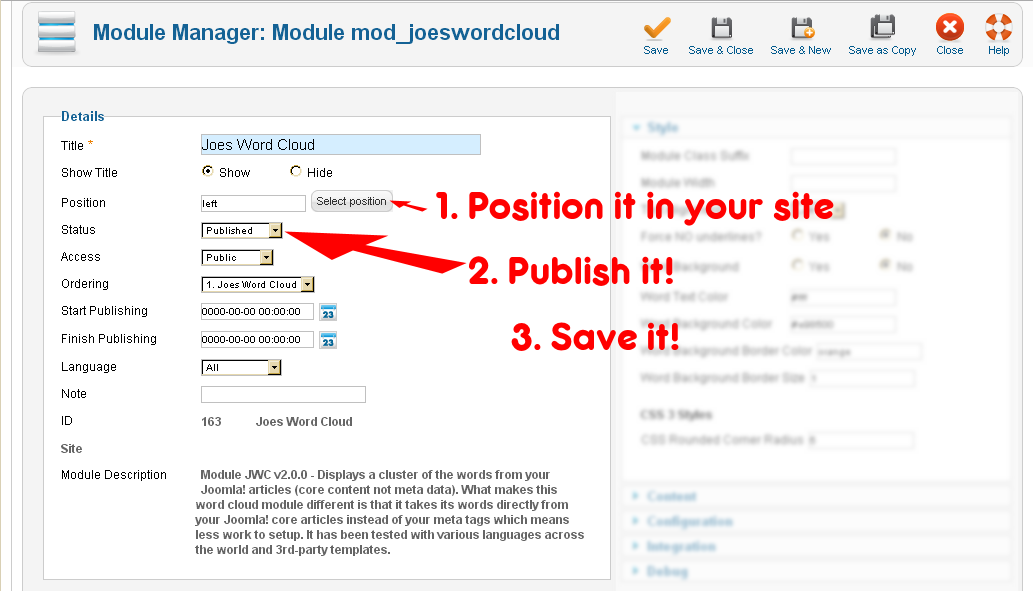
- First of all, you need to make it visible. These 3 steps will have your module ready:
- The further steps below are how to configure it to match yours or your clients brief.
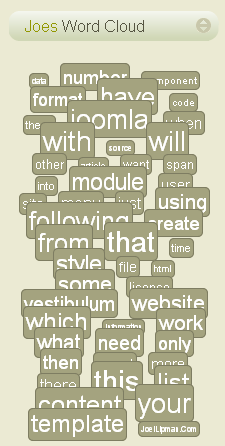
Style & Colors: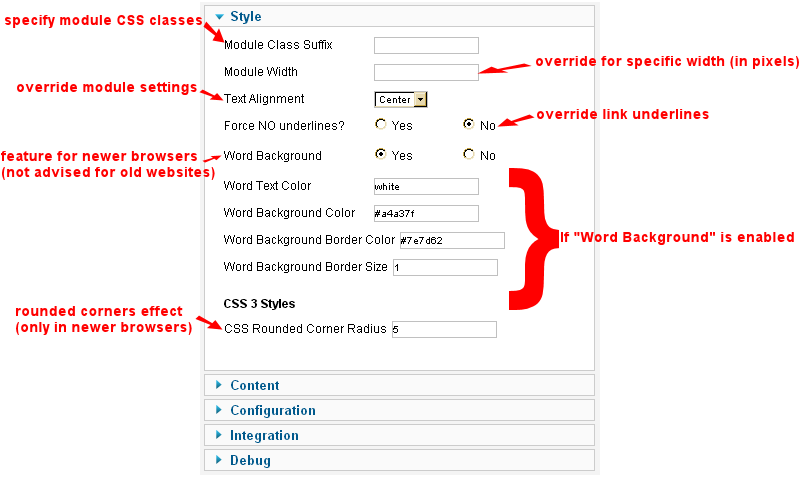
- Articles & Content:
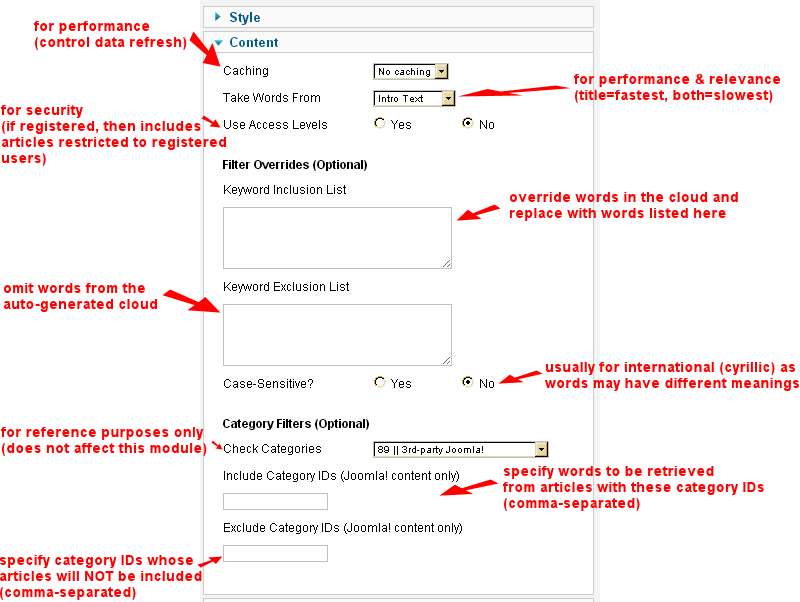
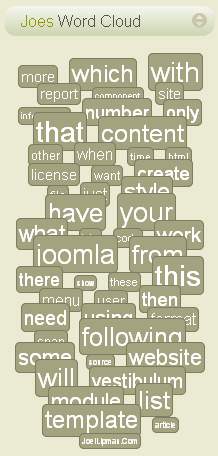
- Words & Link:
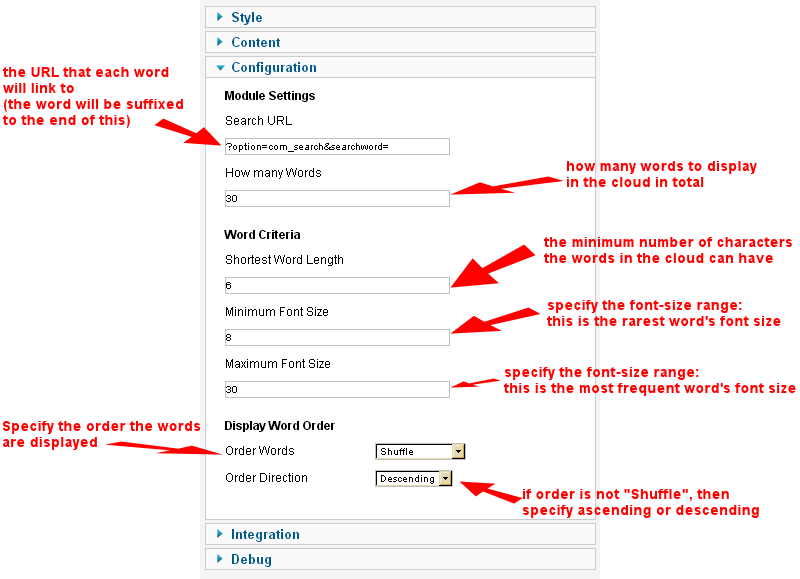
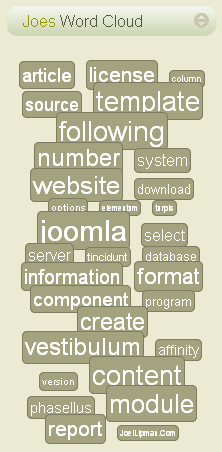
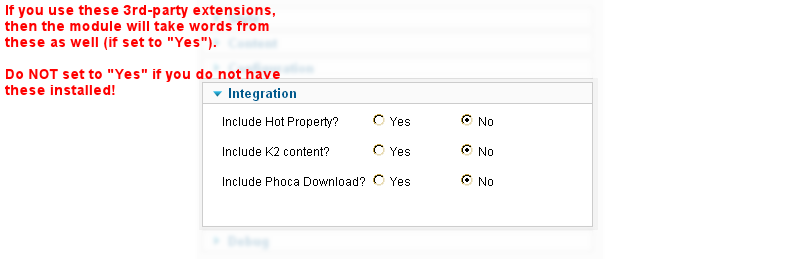
- 3rd-Party Integration:
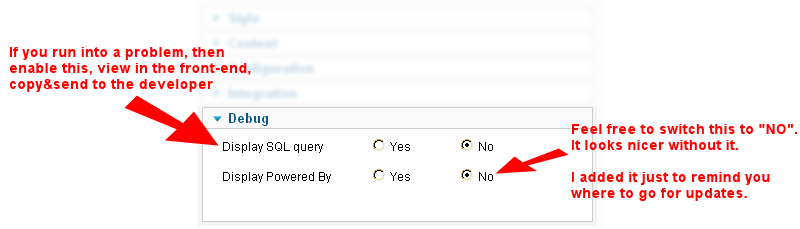
- Problems?:
Category: Product Documentation :: Article: 206