


Zoho Deluge: Handle Commas between Quotes in a CSV (and New Lines)
- Category: Zoho Deluge
- Hits: 44623
This is an article to demonstrate how to handle commas in a CSV file that were enclosed between two double-quotes. I've added to this the handling of new lines or carriage returns in between a pair of double-quotes.
Why?
Our use case is that we were trying to loop through rows of a CSV file which contained addresses which in turn contained commas. Saving this as a CSV and asking Deluge to parse the data in the appropriate columns was not working as expected.
How?
The quick answer is a regex that will replace any commas between two quotes with a custom string, to be exact:
v_FormattedData = r_Data.replaceAll("(\"[^\",]+)[,]([^\"]+\")","$1|mySpecialComma|$2",false);

Zoho Deluge: Zoho Bookings Get Available Slots
- Category: Zoho Deluge
- Hits: 21853
This is an article of code snippets to query a Zoho Bookings instance from within Creator. This one focuses on getting the available slots.
Why?
This is for a Creator app which had a form to allow customers to make a booking based on the configuration and appointments in a ZohoBookings instance.
How?
The getAvailableSlots function requires as parameters according to documentation
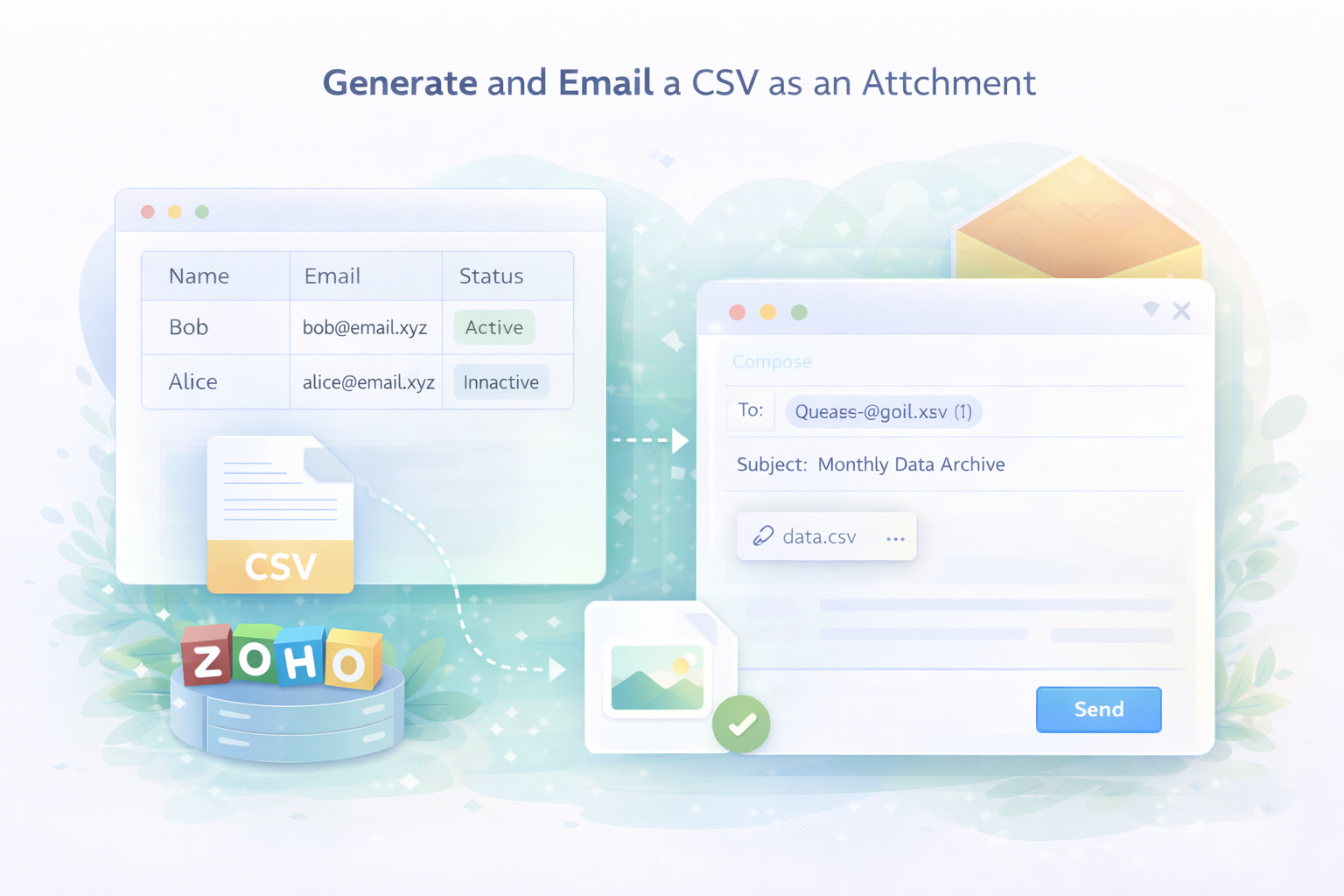
Zoho Deluge: Generate and Send a CSV via Email
- Category: Zoho Deluge
- Hits: 31188
A super quick article to remind me how to generate and send a CSV as an attachment to an email.
Why?
Because I often get casually asked "oh and can you archive the data and email it to me every month"...
How?
Rather than just babble on about it, here's the code, replace what you need just noting that I'm enclosing each value with double-quotes because the values might have commas and someone may want to open this in Google Sheets or Microsoft Excel:
Zoho Deluge: Post a multi-dimensional or nested array to a 3rd-party API
- Category: Zoho Deluge
- Hits: 54988
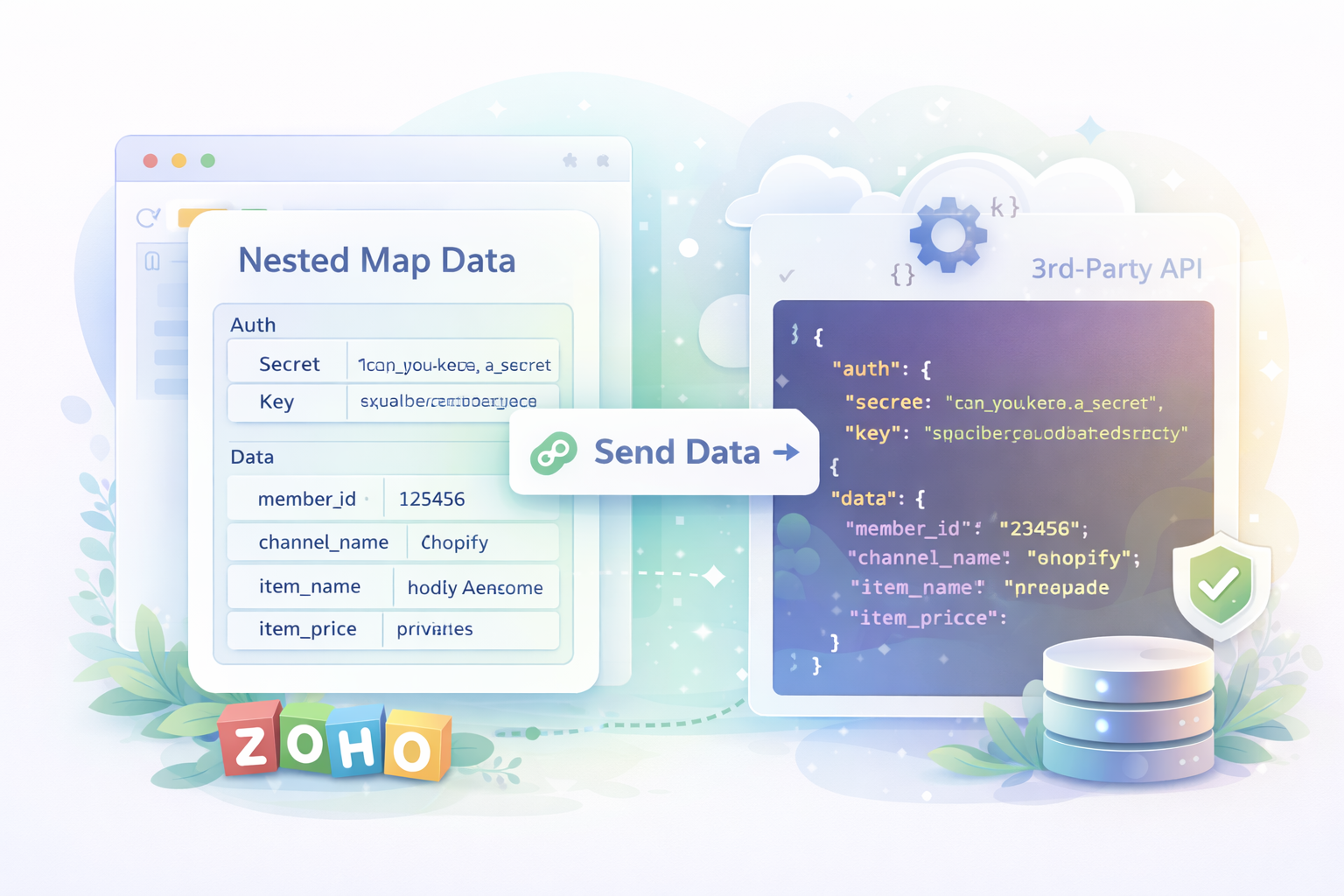
This is an article documenting how to send a Zoho Deluge Map request to an API which is expecting nested/2d/multi-dimensonal arrays. In the example below, we are posting to a PHP script for testing but I have since sent something similar to an API expecting nested arrays (not sure if they were PHP) and it works.
Why?
This took me several days and in the end only going through various forums and documentation, I found a solution which worked for me. Note that usually I could customize the receiving PHP script to receive a JSON request and process it that way but my usage was to send data to a Third-Party API over which I had no control.
What I need to send to the 3rd-party API:
{
  "auth": {
    "secret": "can_you_keep_a_secret",
    "key": "aaabbbbccccddddeeeeffff11112222"
  },
  "data": {
    "member_id": "123456",
    "channel_name": "shopify",
    "item_name": "Joel's Awesome Life",
    "item_price": "priceless"
  }
}
What Zoho sends to the 3rd-party API:Sending a map request using the invokeUrl() function, the odd thing is that Zoho's request adds double-quotes to the request and escapes the other double-quotes sending something like this:
{
  "auth": "{\"secret\": \"can_you_keep_a_secret\",\"key\":\"aaabbbbccccddddeeeeffff11112222\"}",
  "data": "{\"member_id\": \"123456\",\"channel_name\": \"shopify\",\"item_name\": \"Joel's Awesome Life\",\"item_price\": \"priceless\"}"
}
What I have in Deluge
m_Auth = Map();
m_AuthSub = Map();
m_AuthSub.put("secret","can_you_keep_a_secret");
m_AuthSub.put("key","aaabbbbccccddddeeeeffff11112222");
m_Auth.put("auth",m_AuthSub);
m_Data = Map();
m_DataRecord = Map();
m_DataRecord.put("member_id","123456");
m_DataRecord.put("channel_name","shopify");
m_DataRecord.put("item_name","Joel's Awesome Life");
m_DataRecord.put("item_price","priceless");
m_Data.put("data", m_DataRecord);
How?
So this is more of an annoyance then an impossible task... because it is possible, the technique above is simply wrong. The trick and solution is a lot simpler than you might think...

Zoho Deluge: Sort a Map by a specific field
- Category: Zoho Deluge
- Hits: 36873
This is a quick article to template some code to me on sorting a map variable in Zoho Deluge, specifically Zoho Creator.
Why?
I do this a lot but in the following example, I want to sort a list of records by their date in descending order. Yes this functionality exists in reports but I want to do it in code so as to display it in a HTML table.
What I have:
id      name        date
---------------------------------------------
46498   Joel        1977-11-14T12:30:00+00:00
8949    Anonymouse  1923-10-16T15:00:00+00:00
335448  Amazing     1997-07-05T23:15:00+00:00
What I want:
id      name        date
---------------------------------------------
335448  Amazing     1997-07-05T23:15:00+00:00
46498   Joel        1977-11-14T12:30:00+00:00
8949    Anonymouse  1923-10-16T15:00:00+00:00
How?
So to give you a gist of what the following snippet of code is doing, let me give an overview:
- Build up a map with sample data (you won't need to this, use your own data, this one is for this demonstration only)
- Initialize a list to hold the keys which we will use to sort in ascending/descending order and a map created to hold all the records.
- Loop through the sample map to create the new map we can sort as well as to add keys to the list declared previously.
- Sort the list of keys in ascending/descending order.
- Loop through the list of keys, retrieving each record

Zoho Deluge: Convert Map to HTML Table without a FOR loop
- Category: Zoho Deluge
- Hits: 23544
A very quick article on converting a Map string into a HTML table without using a for each loop.
Why?
I have quite a big response from our CRM that hits a statement execution limit if I use a for loop. I have a map with 3 columns: first_name, last_name, and ID. What I want is a HTML table now with the headers and data but without using a for loop.
What I have:
{"First_Name":"Joel","Last_Name":"Lipman","id":"1"},{"First_Name":"Another","Last_Name":"Person","id":"2"}
What I want:
| First Name | Last Name | ID |
|---|---|---|
| Joel | Lipman | 1 |
| Another | Person | 2 |
How?
This is a bit of a dirty solution and as long as "id" is not your first column (because "id" can be found in names like "David") it will work.

Zoho Deluge: Search Records with Special Characters (COQL)
- Category: Zoho Deluge
- Hits: 74543
This is an article to remind me how to search for CRM records by a value that may contain an ampersand or parenthesis.
Why?
I wrote this article because some searches will work for me and sometimes it won't. Escaping the ampersand with a backslash or url encoding to %26 wasn't working for me. I spent several hours trying to write a script that could search for the existing records by company name. The issue is that if you use zoho.crm.searchRecords() this will work fine for company names without special characters such as the ampersand or parentheses. But what if amongst your records you may want to find:
Company Name: Father & Sons (Incorporated)
Contact Name: O'Reilly
How?
Well I've tried various replace methods with regular expressions but the only method reliable enough I have found to work each time is using the CRM Object Query Language or Zoho's COQL. Similar to SQL but subject to similar issues of escaping special characters...

Zoho Deluge: Setup an API Connection for InvokeURL
- Category: Zoho Deluge
- Hits: 79574
This is slightly different to my article Zoho Deluge: Get Refresh/Access Token API v2 (Zoho to Zoho service) and different to my Zoho CRM: APIv2 using PHP & cURL (3rd-Party to Zoho), in that this details how to setup a connection to use in an invoke URL statement. Specifically for Zoho Books, Subscriptions or Inventory.
Why?
Setting up a connection avoids the hassle of having to generate access/refresh tokens using OAuth2.0. Usually used with an invokeUrl:
response = invokeUrl
[
	url: "https://books.zoho.com/api/v3/estimates?organization_id=12346789"
	type: GET
	connection: "joelconnector"
];
How?
So in the following example, we are going to setup a connection in Zoho Books on an EU datacenter:
- First determine what datacenter your client is using
- Register the App
- Setup the Connector