


Zoho Desk: Re-enable Desktop Notifications after clicking on "Not Now"
- Category: Zoho Desk
- Hits: 21957
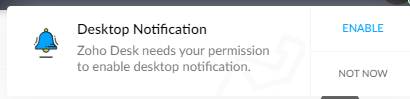
This is a quick article to re-enable desktop notifications after having been prompted initially and having clicked on "Not Now".
Why?
I'm not sure when this prompt is supposed to prompt you again. A client of ours had accidentally clicked on "Not Now" instead of clicking on the "Enable". Documented below is how to get this to prompt you again.
How?
This largely depends on whether you are using the Google Chrome web browser. In this case version 100 and is correct at time of print.

Zoho Projects: Get All Events
- Category: Zoho Projects
- Hits: 38329
A quick article because I couldn't find anything that documented this with a working example.
Why?
The use-case here is that we want to make a ZohoCreator page display events for this month from ZohoProjects.
How?
The bit that stumped me was making a call to the Events endpoint as it would just come back with a blank response...
The reason it was blank was due to my parameters; the key item to remember is that status is a mandatory field and it can either be "closed" or "open".

Zoho Projects: Deluge to Submit Custom Fields
- Category: Zoho Projects
- Hits: 24489
A super quick article to demonstrate an example where we create a project with custom fields.
Why?
At time of print, the documentation on the Projects API would only show responses rather than requests. Sure it lists fields that are required in the request but not a sample request packaged to be sent.
How?
Let's assume that my custom fields have as identifiers UDF_CHAR8 (which is a Zoho ID) and UDF_CHAR7 (which is a text/string name field).
Zoho Projects: Add a Time Log to an Issue using Deluge
- Category: Zoho Projects
- Hits: 53224
This is an article to demonstrate how to log a time event under a Zoho Projects Issue using code (Zoho Deluge) rather than the graphical user interface (GUI). Note this would probably be similar to when trying to enter a time against a project Task but this article is focused on getting this working against Project Issues. Also note, we will refer to Project Issues in this article, but in the backend code, Zoho refer to Issues as "Bugs".
Why?
At time of this article (Apr-2021), we could not find a working example that could allow us to do this. I have provided some links at the end of this article for you which we tried to use but only helped us out about half-way, the rest we guessed on our own:
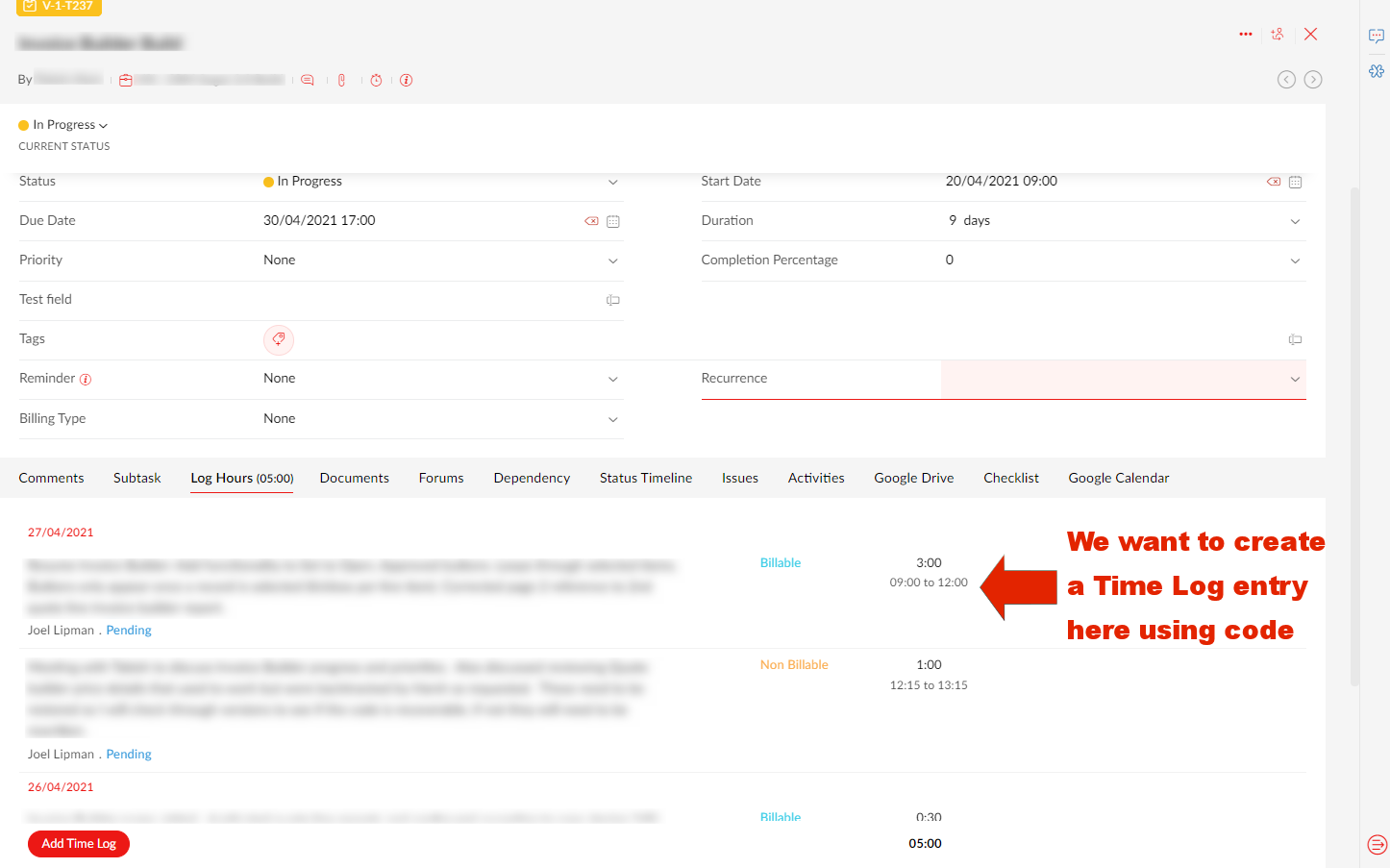
Our use case, is that we are developing a Zoho Creator app that will help staff log time and then push the creator record to Zoho Projects.
How?
For the following example, you will need to have setup a Zoho Oauth Connection with the appropriate authorized scopes and have access to all related systems such as Zoho Projects and the originating app (in this example, Zoho Creator).
Zoho People and Zoho Analytics: Push all Employee Salary Data to Analytics
- Category: Zoho People
- Hits: 10976
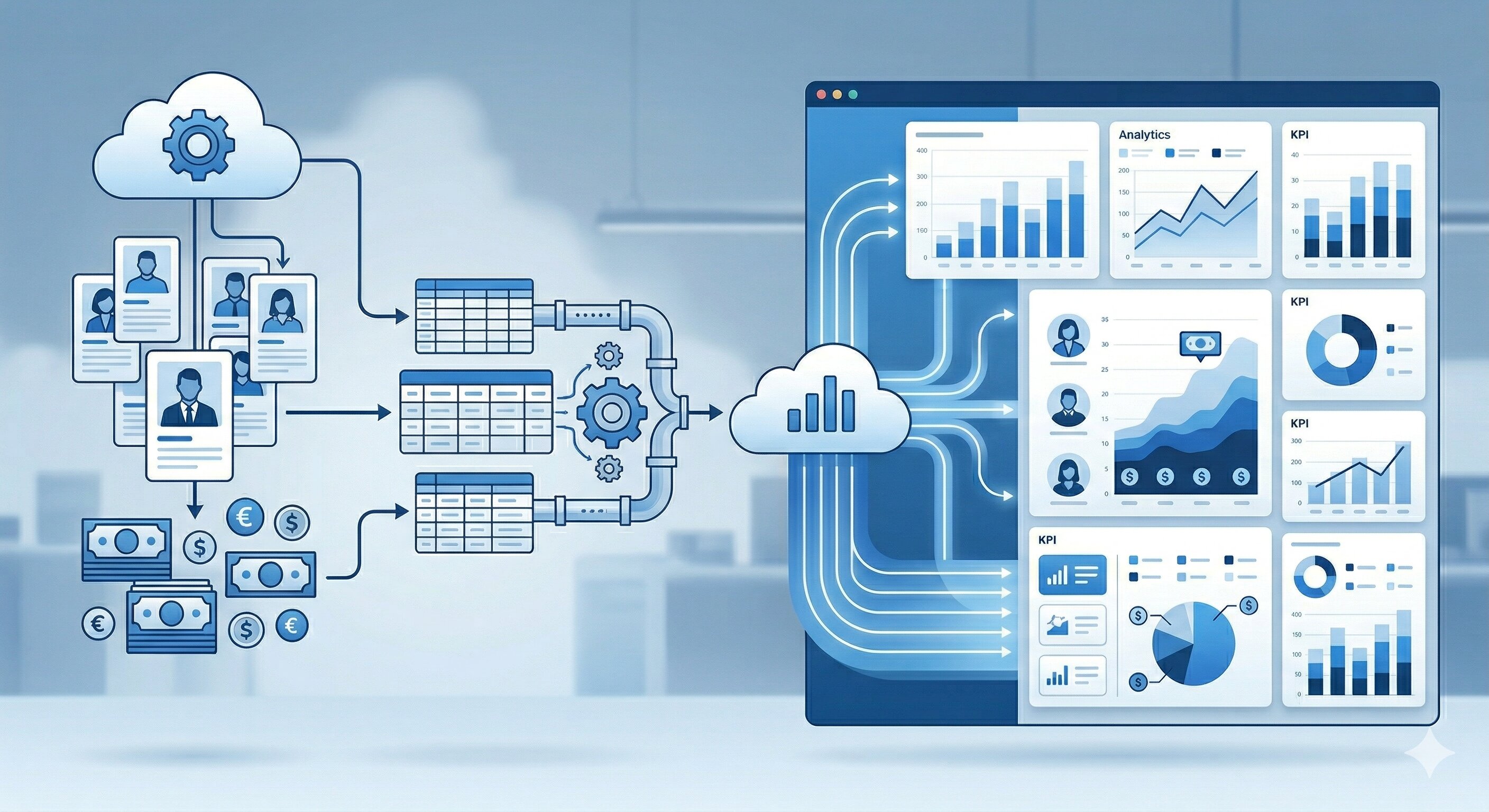
Pretty self-explanatory really. Something to be cautious about but it took me so long to do that I needed an article here to help me if ever I get asked to do it again. Siimply put, Zoho Analytics can't see the Zoho People Salary table within the built-in integration / synchronization.
Why?
My use-case is for a client who has over 1200 employees but similar to performance goals, we need to write code to push the salary data out to a Zoho Analytics table.
How?
Sounds like you could just do as we did with the P_Goals table but I need this to run every night picking up salary changes as well. I don't want to use up 1200+ API calls either to do it which my script for performance goals did. The below will do it with 7 calls (to get 7 pages of 200 records) and 1 call to push into Zoho Analytics...
Zoho People Analytics Regional Configuration
- Category: Zoho People
- Hits: 24583
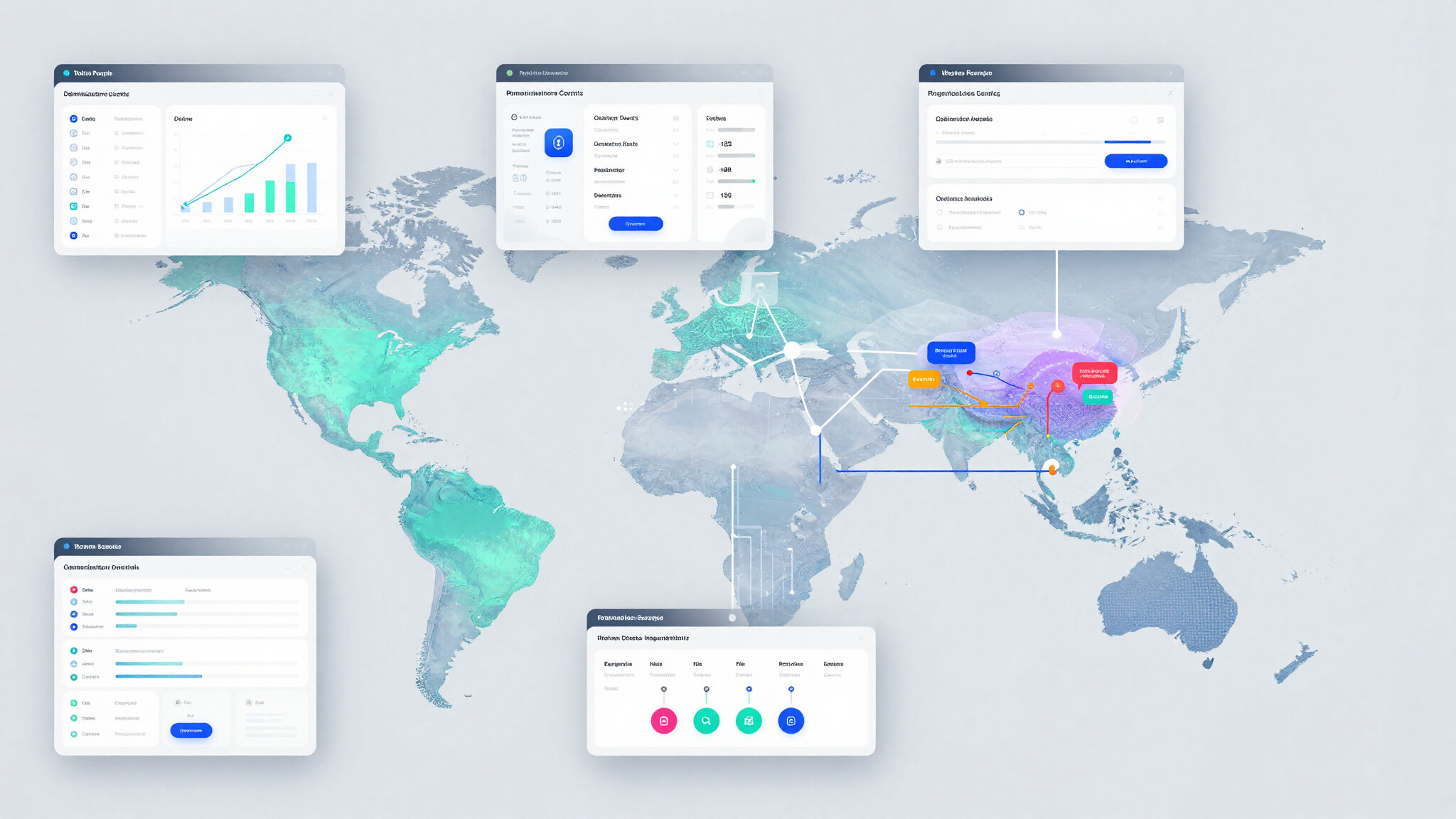
This is an article to document how to configure Zoho People and Zoho Analytics so that reporting teams can access analytics data restricted by region. It explains how to separate global HR access from regional reporting access, how to prevent users from viewing employee or payroll data outside their area of responsibility, and how to structure workspaces, dashboards, and data imports to support this model in a controlled and repeatable way.
Why?
The use-case here is a globally operating organisation with regional HR teams who must only be able to access data for the regions they are responsible for. HR users need to view advanced analytics dashboards through Zoho People as part of their daily work, while remaining restricted when accessing Zoho Analytics directly, and reporting teams require analytical access without exposure to data outside their assigned regions.
How?
So as a high-level this document will cover the following:
- Configure Zoho People and Zoho Analytics access
- Restrict the Dashboards for HR staff.
- Create restricted Workspaces for MI teams (reporting staff).

Zoho People: Get Performance Records over API
- Category: Zoho People
- Hits: 48955
Took us a while to find this and perhaps others would have a quicker way but here's the instructions on getting the records from the performance module in Zoho People API.
Why?
Cos it took us a while. The online forums seem to go back over a decade and the documentation seems to have gaps; or simply modules are so custom/bespoke the documentation has started to genericize.
My client has seen the Goals or Objectives report under "Organization Reports" but would like some additional fields/columns added to it. Turns out, it's a system report you can't change. Enter Zoho Analytics... well almost, Analytics will sync with Zoho People but I wasn't able to select the performance modules (Client Review and Placement Tech Survey having been disabled)...
How?
So this might seem obvious but after trying to scan the meta data (snippets at the bottom of this article), the simplest way was right in front of us. We're going to use the interface to find the form where staff have been entering employees goals, then we're going to query it and push it to Zoho Analytics.
Zoho People: Reject an Application for Leave in Deluge based on Criteria
- Category: Zoho People
- Hits: 81211
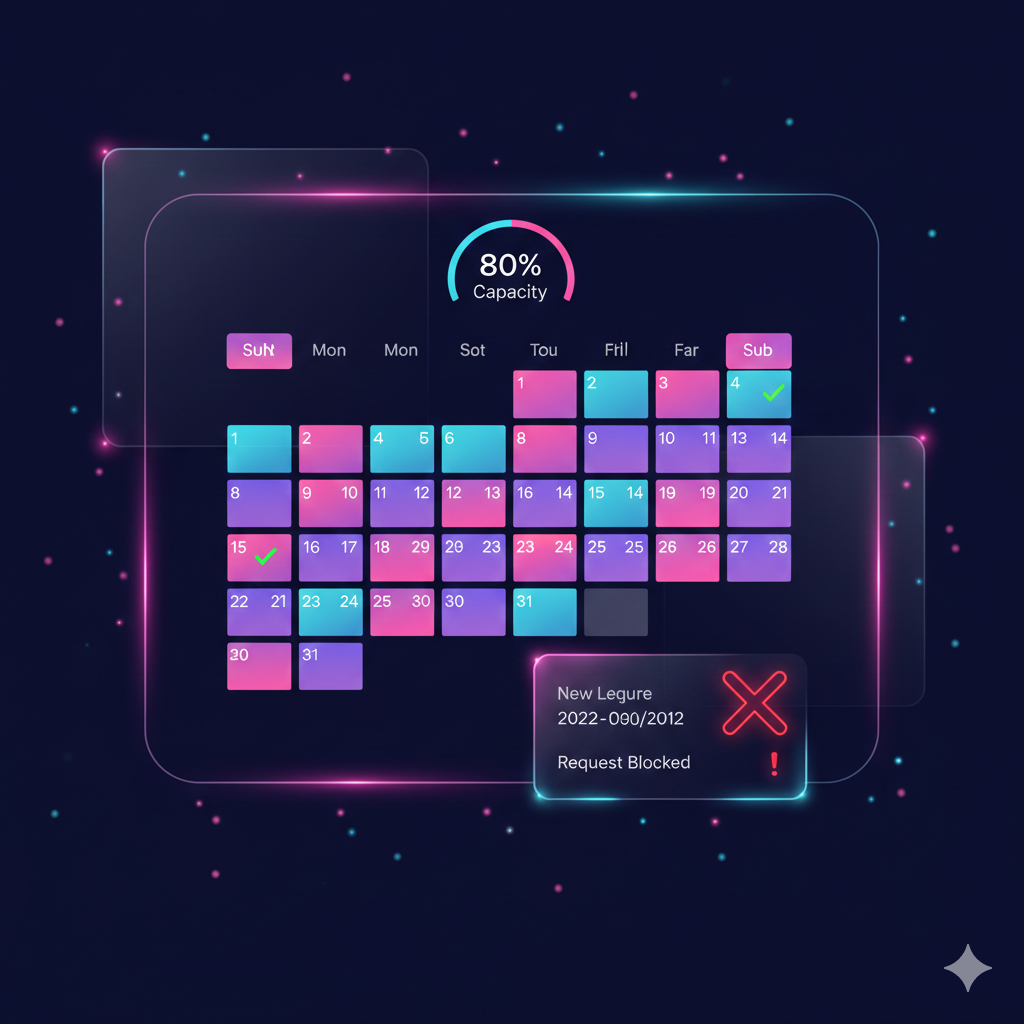
This article documents how to stop an employee from applying for leave when already 80% of their team have already booked the same date off. My brief was:
- Check the department this employee belongs to
- Search for employees of the same department (team members) who have booked the same days off (ie count holiday clashes)
- Prevent an employee for applying for leave if over 80% of the department have already booked the requested dates off.
In other words, if there are 10 people in a department/team, and 8 people have booked tomorrow off, prevent a 9th team member booking tomorrow off.
Why?
I've written this article as it took a while to achieve. The Zoho People application and its API are documented but there are problems with the documentation at the time that this article was written. One is that there are 2 sets of documentation and the other is that the majority of the documentation doesn't refer to OAuth 2.0/json and instead uses the deprecated authtoken v1 and XML.
How?
The trick in this solution was more about the process and what that process was.