


Zoho Deluge: Calculate Days, Hours, Minutes, Seconds between two Timestamps
- Category: Zoho Deluge
- Hits: 27145
A very quick article to calculate the time between two timestamps and break it down into days, hours, minutes and seconds.
Why?
I've done this in lots of other systems but here's one in Zoho Deluge.
How?
We're going to make use of the .toLong() function applied to a datetime datatype variable which will return the Unix seconds.

Zoho Deluge: Date from a String (dd/MM/yyyy to yyyy-MM-dd)
- Category: Zoho Deluge
- Hits: 32429
A quick article to remind me of the regex to change a date from the format dd/MM/yyyy to yyyy-MM-dd.
Why?
Irrespective of server, organization or user settings, the date handling can vary. If we are getting a date from a CSV or other external source as "dd/MM/yyyy", how do we guarantee that the system will understand the date correctly?
How?
It may be that when obtaining a date string and applying the method .toString("dd/MM/yyyy") is dependent on the settings. But making a date into a SQL format or from largest denominator to smallest in "yyyy-MM-dd" will usually handle the date better.

Zoho Deluge: Handle Commas between Quotes in a CSV (and New Lines)
- Category: Zoho Deluge
- Hits: 43703
This is an article to demonstrate how to handle commas in a CSV file that were enclosed between two double-quotes. I've added to this the handling of new lines or carriage returns in between a pair of double-quotes.
Why?
Our use case is that we were trying to loop through rows of a CSV file which contained addresses which in turn contained commas. Saving this as a CSV and asking Deluge to parse the data in the appropriate columns was not working as expected.
How?
The quick answer is a regex that will replace any commas between two quotes with a custom string, to be exact:
v_FormattedData = r_Data.replaceAll("(\"[^\",]+)[,]([^\"]+\")","$1|mySpecialComma|$2",false);

Zoho Deluge: Zoho Bookings Get Available Slots
- Category: Zoho Deluge
- Hits: 21391
This is an article of code snippets to query a Zoho Bookings instance from within Creator. This one focuses on getting the available slots.
Why?
This is for a Creator app which had a form to allow customers to make a booking based on the configuration and appointments in a ZohoBookings instance.
How?
The getAvailableSlots function requires as parameters according to documentation
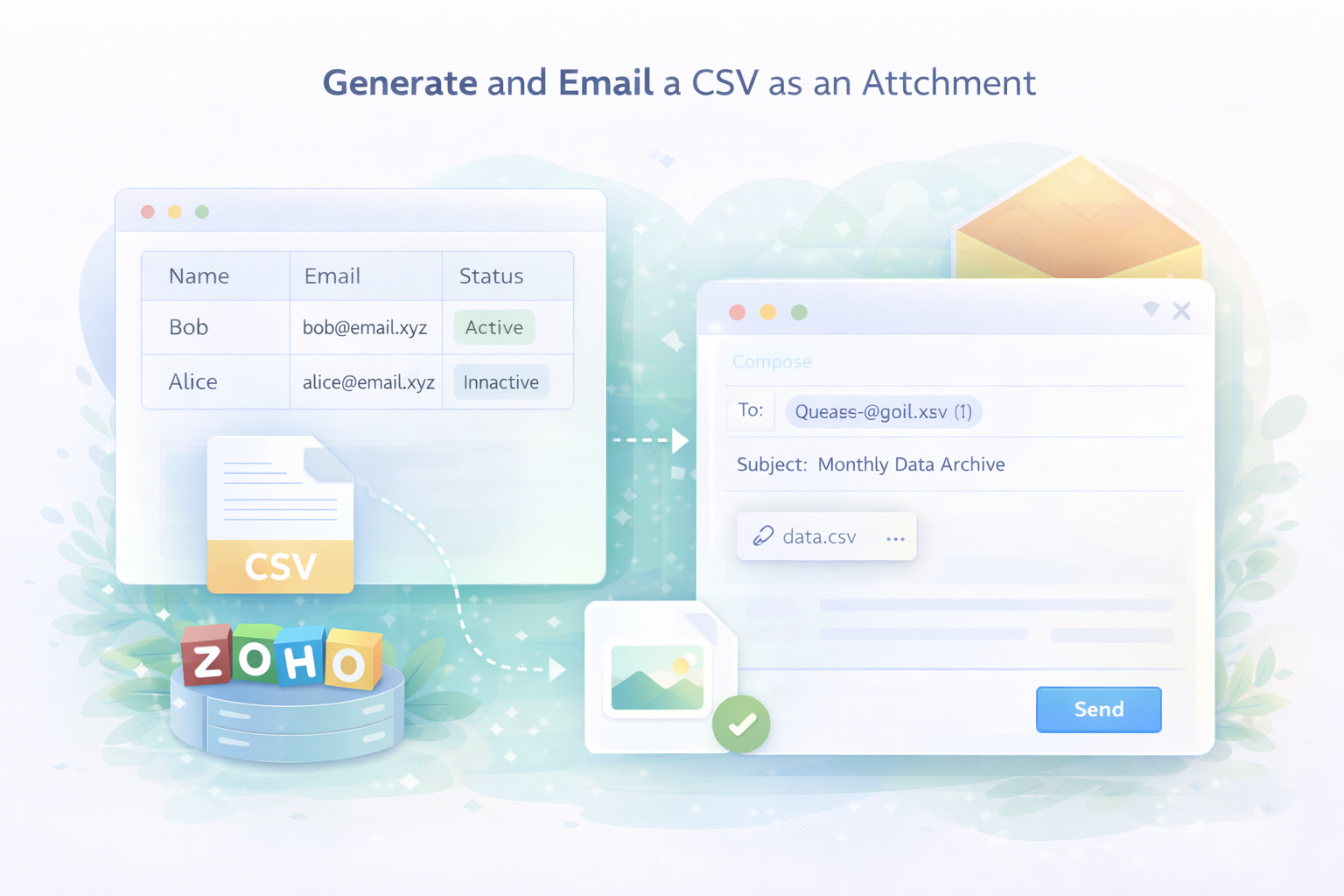
Zoho Deluge: Generate and Send a CSV via Email
- Category: Zoho Deluge
- Hits: 30605
A super quick article to remind me how to generate and send a CSV as an attachment to an email.
Why?
Because I often get casually asked "oh and can you archive the data and email it to me every month"...
How?
Rather than just babble on about it, here's the code, replace what you need just noting that I'm enclosing each value with double-quotes because the values might have commas and someone may want to open this in Google Sheets or Microsoft Excel:
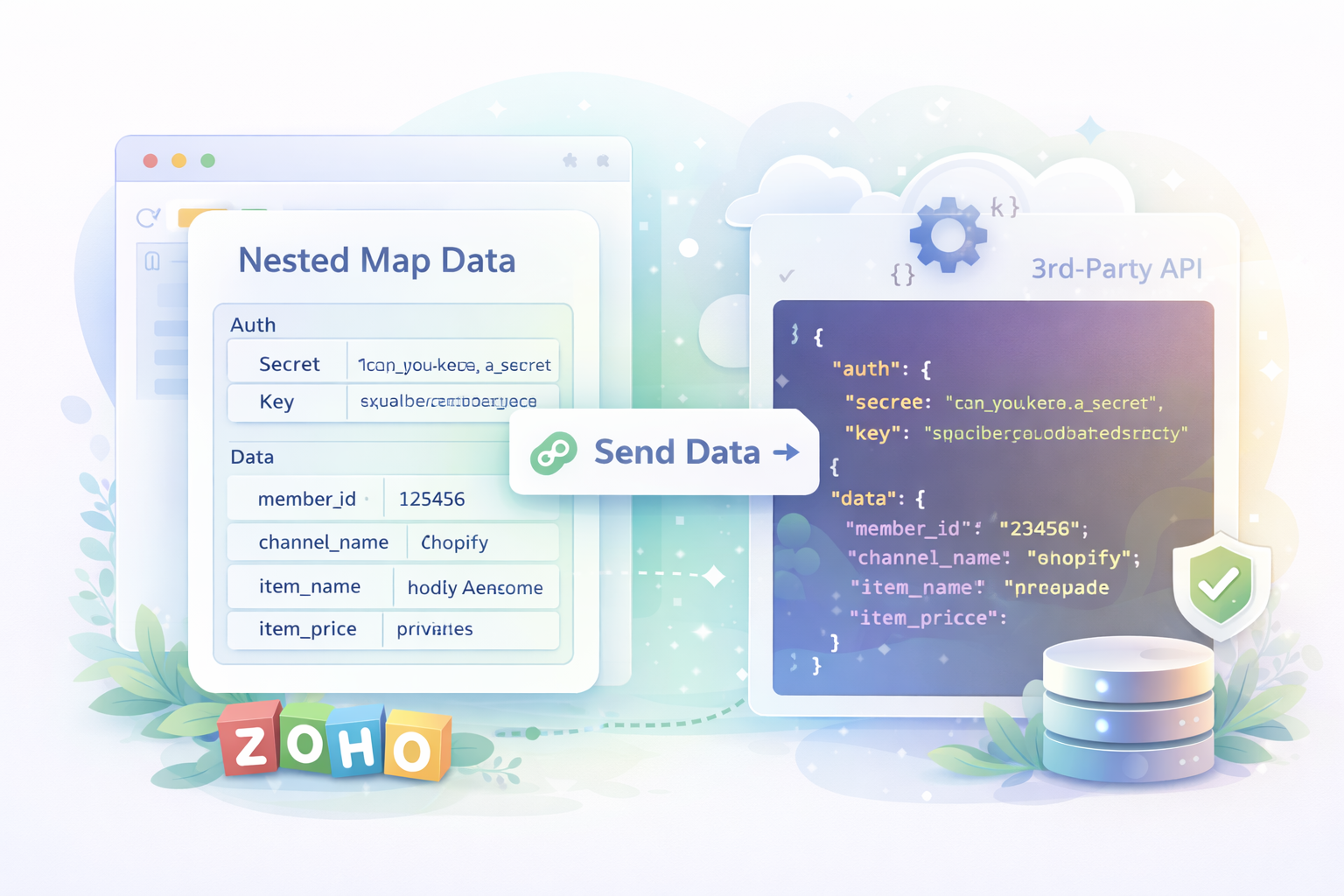
Zoho Deluge: Post a multi-dimensional or nested array to a 3rd-party API
- Category: Zoho Deluge
- Hits: 53701
This is an article documenting how to send a Zoho Deluge Map request to an API which is expecting nested/2d/multi-dimensonal arrays. In the example below, we are posting to a PHP script for testing but I have since sent something similar to an API expecting nested arrays (not sure if they were PHP) and it works.
Why?
This took me several days and in the end only going through various forums and documentation, I found a solution which worked for me. Note that usually I could customize the receiving PHP script to receive a JSON request and process it that way but my usage was to send data to a Third-Party API over which I had no control.
What I need to send to the 3rd-party API:
{
  "auth": {
    "secret": "can_you_keep_a_secret",
    "key": "aaabbbbccccddddeeeeffff11112222"
  },
  "data": {
    "member_id": "123456",
    "channel_name": "shopify",
    "item_name": "Joel's Awesome Life",
    "item_price": "priceless"
  }
}
What Zoho sends to the 3rd-party API:Sending a map request using the invokeUrl() function, the odd thing is that Zoho's request adds double-quotes to the request and escapes the other double-quotes sending something like this:
{
  "auth": "{\"secret\": \"can_you_keep_a_secret\",\"key\":\"aaabbbbccccddddeeeeffff11112222\"}",
  "data": "{\"member_id\": \"123456\",\"channel_name\": \"shopify\",\"item_name\": \"Joel's Awesome Life\",\"item_price\": \"priceless\"}"
}
What I have in Deluge
m_Auth = Map();
m_AuthSub = Map();
m_AuthSub.put("secret","can_you_keep_a_secret");
m_AuthSub.put("key","aaabbbbccccddddeeeeffff11112222");
m_Auth.put("auth",m_AuthSub);
m_Data = Map();
m_DataRecord = Map();
m_DataRecord.put("member_id","123456");
m_DataRecord.put("channel_name","shopify");
m_DataRecord.put("item_name","Joel's Awesome Life");
m_DataRecord.put("item_price","priceless");
m_Data.put("data", m_DataRecord);
How?
So this is more of an annoyance then an impossible task... because it is possible, the technique above is simply wrong. The trick and solution is a lot simpler than you might think...

Zoho Deluge: Sort a Map by a specific field
- Category: Zoho Deluge
- Hits: 36168
This is a quick article to template some code to me on sorting a map variable in Zoho Deluge, specifically Zoho Creator.
Why?
I do this a lot but in the following example, I want to sort a list of records by their date in descending order. Yes this functionality exists in reports but I want to do it in code so as to display it in a HTML table.
What I have:
id      name        date
---------------------------------------------
46498   Joel        1977-11-14T12:30:00+00:00
8949    Anonymouse  1923-10-16T15:00:00+00:00
335448  Amazing     1997-07-05T23:15:00+00:00
What I want:
id      name        date
---------------------------------------------
335448  Amazing     1997-07-05T23:15:00+00:00
46498   Joel        1977-11-14T12:30:00+00:00
8949    Anonymouse  1923-10-16T15:00:00+00:00
How?
So to give you a gist of what the following snippet of code is doing, let me give an overview:
- Build up a map with sample data (you won't need to this, use your own data, this one is for this demonstration only)
- Initialize a list to hold the keys which we will use to sort in ascending/descending order and a map created to hold all the records.
- Loop through the sample map to create the new map we can sort as well as to add keys to the list declared previously.
- Sort the list of keys in ascending/descending order.
- Loop through the list of keys, retrieving each record

Zoho Deluge: Convert Map to HTML Table without a FOR loop
- Category: Zoho Deluge
- Hits: 23170
A very quick article on converting a Map string into a HTML table without using a for each loop.
Why?
I have quite a big response from our CRM that hits a statement execution limit if I use a for loop. I have a map with 3 columns: first_name, last_name, and ID. What I want is a HTML table now with the headers and data but without using a for loop.
What I have:
{"First_Name":"Joel","Last_Name":"Lipman","id":"1"},{"First_Name":"Another","Last_Name":"Person","id":"2"}
What I want:
| First Name | Last Name | ID |
|---|---|---|
| Joel | Lipman | 1 |
| Another | Person | 2 |
How?
This is a bit of a dirty solution and as long as "id" is not your first column (because "id" can be found in names like "David") it will work.
Recent Posts




Joes Word Cloud
Accreditation



Donate & Support
If you like my content, and would like to support this sharing site, feel free to donate using a method below:

 bc1qf6elrdxc968h0k673l2djc9wrpazhqtxw8qqp4
 0xb038962F3809b425D661EF5D22294Cf45E02FebF
Paypal:
Bitcoin:
bc1qf6elrdxc968h0k673l2djc9wrpazhqtxw8qqp4
Ethereum:
0xb038962F3809b425D661EF5D22294Cf45E02FebF
Credit where Credit is Due:
Feel free to copy, redistribute and share this information. All that we ask is that you attribute credit and possibly even a link back to this website as it really helps in our search engine rankings.
Disclaimer: Please note that the information provided on this website is intended for informational purposes only and does not represent a warranty. The opinions expressed are those of the author only. We recommend testing any solutions in a development environment before implementing them in production. The articles are based on our good faith efforts and were current at the time of writing, reflecting our practical experience in a commercial setting.
Thank you for visiting and, as always, we hope this website was of some use to you!
Kind Regards,
Joel Lipman
www.joellipman.com