

Zoho Deluge - Counting in a Map dataType
- Category: Zoho Deluge
- Hits: 25851
A quick article on how to count within a map. I didn't have too much difficulty getting this to work and I'm not sure if there are better ways of counting so I'm documenting it to see if I can refine the code or find a some short codes that will do the same.
Why?
I'm aiming to automate a process which counts the number of products allocated to an account or in total for a purchase order. Let us assume we have the following in a form/report called "Stock_Upload":
RowID	Name	            SKU	        Account Email
0001	Test Product 1	    TEST001	    test1@joellipman.com
0002	Test Product 1	    TEST001	    test1@joellipman.com
0003	Test Product 1	    TEST001	    test1@joellipman.com
0004	Test Product 1	    TEST001	    test1@joellipman.com
0005	Test Product 2	    TEST002	    test1@joellipman.com
0006	Test Product 1	    TEST001	    test2@joellipman.com
0007	Test Product 1	    TEST001	    test2@joellipman.com
The code is a for loop which iterates through each row, assigning an entry for a new product or account, and specifying the quantity for each.
How?
So depending on the number of levels, the count will be with a series if then else statements. See the results/yield section to determine which best fits your scenario:
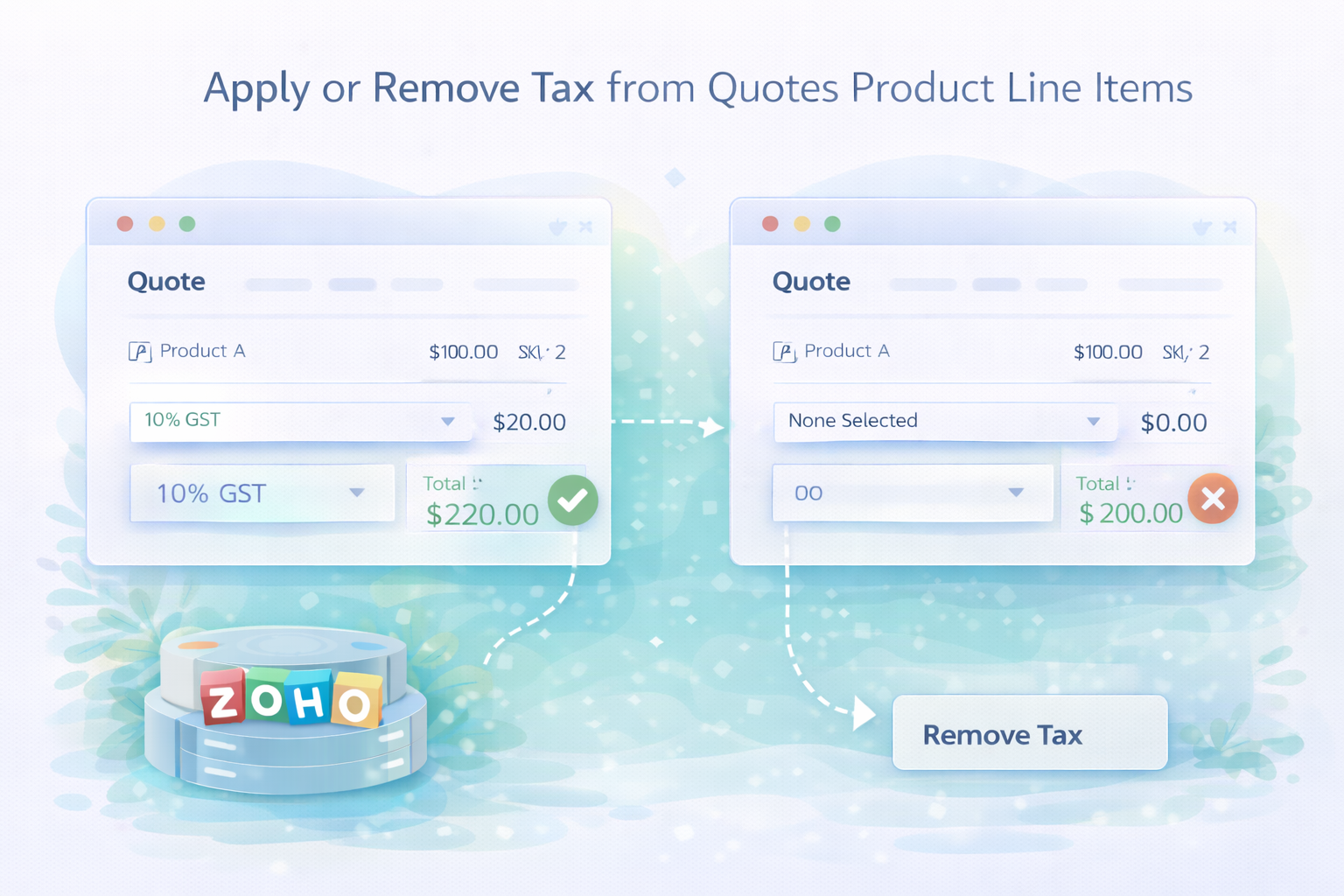
Zoho Deluge: Adding / Removing Total Tax from a Quote Record
- Category: Zoho Deluge
- Hits: 23491
A quick reminder on when I want to apply overall Tax or remove Tax from a quotes product line items.
Why?
I would apply the standard update function and although the response would say it modified the record, the tax wouldn't apply both visually and programmatically.
How?
A little undocumented this "feature" but the gist is if you want to add tax, it has to be built up in the tax options, if you want this to be zero, you need to pass the option of tax as zero and remove all other options.
Zoho Deluge - Get Refresh/Access Token API v2
- Category: Zoho Deluge
- Hits: 74089
A sorta quick article to note how I can generate refresh tokens and access tokens using Zoho Deluge code (so within Zoho Creator, CRM or Books) without XML calls.
Why?
I find myself using this more and more now that API v1 is on the way out and Zoho Deluge by itself is limited somewhat with regards to functionality and record editing when compared to API v2.
How?
Note that this is using Zoho Deluge and not another server-side script such as PHP to send the requests via API.
Zoho Deluge - Store and repopulate a multi lookup list in Creator
- Category: Zoho Deluge
- Hits: 22186
A quick reminder on how I got a working snippet of code to store the entries in the lookup already selected, check against another table/form for valid options, repopulate the list with the selected item and filtering the options available for selection.
Why?
This was for a multi lookup with staff as the list entries. The lookup needed to filter against various forms such as Staff Rotas, Leave Requests, Qualifications and some others.
How?
The aim/objective is the following:
- Store what was already selected in the lookups
- Clear the lookups list
- Restore what was originally selected as selected.
- Repopulate with a filter list of options (not selected but available)
Zoho Deluge - Get distance between two coordinates
- Category: Zoho Deluge
- Hits: 24091
A quick article to document how to calculate the distance "as the crow files" between two coordinates given the latitude and longitude of each.
Why?
Well, you can pay for a good Google solution that will distance following roads and the such but.. the following is free albeit as-the-crow flies.
This makes use of an undocumented function in Zoho which is acos or inverse cosine. Just lifted from the JavaScript library figuring if it supports cos() then try this standard function. Note this has only been tested in Zoho Creator rather than Zoho CRM.
How?
This function returns the distance as the crow flies.
Zoho Deluge - Generate 5 Letter Booking Retrieval Code
- Category: Zoho Deluge
- Hits: 36082
This is a quick article on how to generate a 5 letter code from several functions: one which returns 5 randomly selected characters and another two which convert a number to 5 letters.
Why?
Zoho doesn't have a function to generate random numbers or strings. There are workarounds however.
How?
Zoho Deluge - Get Current User ID
- Category: Zoho Deluge
- Hits: 24995
This is a quick article on different ways to get the current user ID in Zoho through code.
How?
I'm not a fan of method #1 but I only started developing in Zoho recently when API v1 was already being deprecated (end of life at the end of this year). So I'm familiar with the methods in API v2 or just using newer functions.

Zoho Deluge - Regex to Strip all non-numeric characters
- Category: Zoho Deluge
- Hits: 23711
A quick post on how I managed to build a regex to extract all non-numeric characters (all non-digits) from a string.
Why?
I only want the digits/numbers from a string:
v_PaymentTerms = "Credit Note - 30 Days";

// we want the 30 from the above string
How?
Recent Posts



Joes Word Cloud
Accreditation



Donate & Support
If you like my content, and would like to support this sharing site, feel free to donate using a method below:

 bc1qf6elrdxc968h0k673l2djc9wrpazhqtxw8qqp4
 0xb038962F3809b425D661EF5D22294Cf45E02FebF
Paypal:
Bitcoin:
bc1qf6elrdxc968h0k673l2djc9wrpazhqtxw8qqp4
Ethereum:
0xb038962F3809b425D661EF5D22294Cf45E02FebF
Credit where Credit is Due:
Feel free to copy, redistribute and share this information. All that we ask is that you attribute credit and possibly even a link back to this website as it really helps in our search engine rankings.
Disclaimer: Please note that the information provided on this website is intended for informational purposes only and does not represent a warranty. The opinions expressed are those of the author only. We recommend testing any solutions in a development environment before implementing them in production. The articles are based on our good faith efforts and were current at the time of writing, reflecting our practical experience in a commercial setting.
Thank you for visiting and, as always, we hope this website was of some use to you!
Kind Regards,
Joel Lipman
www.joellipman.com