

Zoho Deluge - Get English Ordinal
- Category: Zoho Deluge
- Hits: 25307
This is a very quick note with the code to determine the English ordinal of a date (eg. "st" of "1st"). So in a date, instead of "Tuesday, 6 November 2018", I could want "Tuesday 6th of November 2018".
Why?
Well there's a long a way to do it (but reliable). But being limited to the lines of code you can run (ref. "Maximum number of executable statements", anything that reduces the number of lines used would be an improvement. This is how I was doing it previously.
	// get the date (eg. 1, 2, 3, ... 29, 30, 31)
	This_Day_Date = My_Date_Field.toString("d");

	// determine English ordinal
	English_Ordinal = "th ";
	if(This_Day_Date == "1" || This_Day_Date == "21" || This_Day_Date == "31")
	{
		English_Ordinal = "st ";
	}
	if(This_Day_Date == "2" || This_Day_Date == "22")
	{
		English_Ordinal = "nd ";
	}
	if(This_Day_Date == "3" || This_Day_Date == "23")
	{
		English_Ordinal = "rd ";
	}

	// display
	info My_Date.toString("d") + English_Ordinal;
How?
Zoho Deluge - Get User Timezone, Country and Location
- Category: Zoho Deluge
- Hits: 24090
A quick article just as a note to get the users country information from a third-party API based on the given IP address.
How?
Well this is just a list of free 3rd-party APIs and the below code is dependent on these being online and working...
ZohoDesk & ZohoAnalytics: Display Ticket Attachments in Analytics Report
- Category: Zoho Desk
- Hits: 60999
A quick article with the code to download image attachments from a Zoho Ticket and then to upload the attachment to Zoho Analytics.
Why?
First of all, we couldn't find how to sync attachments from ZohoDesk to ZohoAnalytics using the integration. Other tables will sync but we couldn't find attachments, so our solution here is to create a data table and then to push the attachment from ZohoDesk to ZohoAnalytics using the API.
The use-case here is that a client wants customers to submit ZohoDesk tickets and upload photos of the problematic product to the ticket. They then want an Analytics report to show these photos.
How?
The following is simply the steps to create a data table in ZohoAnalytics, then the code to list a ticket's attachments and push them to the ZohoAnalytics data table.

Zoho Desk: Re-enable Desktop Notifications after clicking on "Not Now"
- Category: Zoho Desk
- Hits: 22044
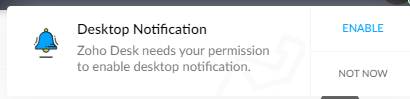
This is a quick article to re-enable desktop notifications after having been prompted initially and having clicked on "Not Now".
Why?
I'm not sure when this prompt is supposed to prompt you again. A client of ours had accidentally clicked on "Not Now" instead of clicking on the "Enable". Documented below is how to get this to prompt you again.
How?
This largely depends on whether you are using the Google Chrome web browser. In this case version 100 and is correct at time of print.
Zoho Projects: Get All Events
- Category: Zoho Projects
- Hits: 38504
A quick article because I couldn't find anything that documented this with a working example.
Why?
The use-case here is that we want to make a ZohoCreator page display events for this month from ZohoProjects.
How?
The bit that stumped me was making a call to the Events endpoint as it would just come back with a blank response...
The reason it was blank was due to my parameters; the key item to remember is that status is a mandatory field and it can either be "closed" or "open".

Zoho Projects: Deluge to Submit Custom Fields
- Category: Zoho Projects
- Hits: 24599
A super quick article to demonstrate an example where we create a project with custom fields.
Why?
At time of print, the documentation on the Projects API would only show responses rather than requests. Sure it lists fields that are required in the request but not a sample request packaged to be sent.
How?
Let's assume that my custom fields have as identifiers UDF_CHAR8 (which is a Zoho ID) and UDF_CHAR7 (which is a text/string name field).
Zoho Projects: Add a Time Log to an Issue using Deluge
- Category: Zoho Projects
- Hits: 53457
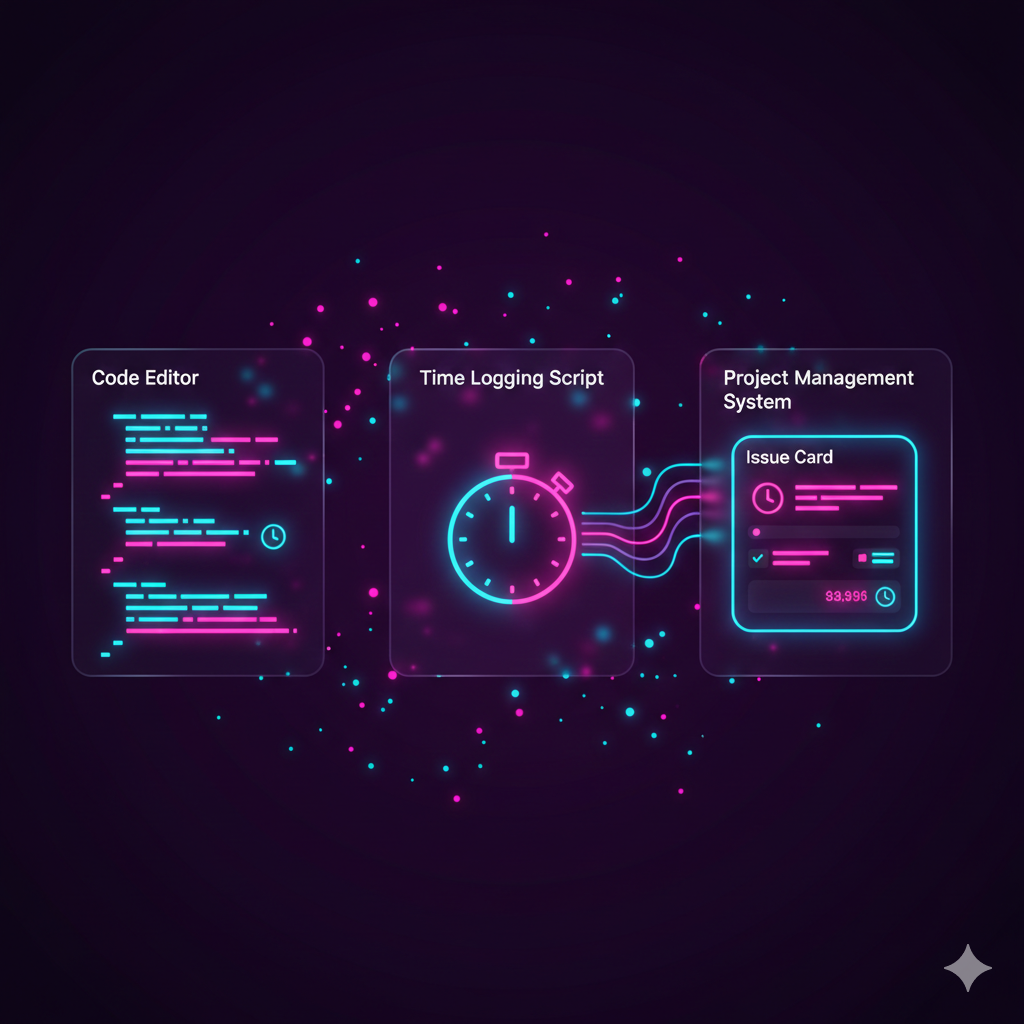
This is an article to demonstrate how to log a time event under a Zoho Projects Issue using code (Zoho Deluge) rather than the graphical user interface (GUI). Note this would probably be similar to when trying to enter a time against a project Task but this article is focused on getting this working against Project Issues. Also note, we will refer to Project Issues in this article, but in the backend code, Zoho refer to Issues as "Bugs".
Why?
At time of this article (Apr-2021), we could not find a working example that could allow us to do this. I have provided some links at the end of this article for you which we tried to use but only helped us out about half-way, the rest we guessed on our own:
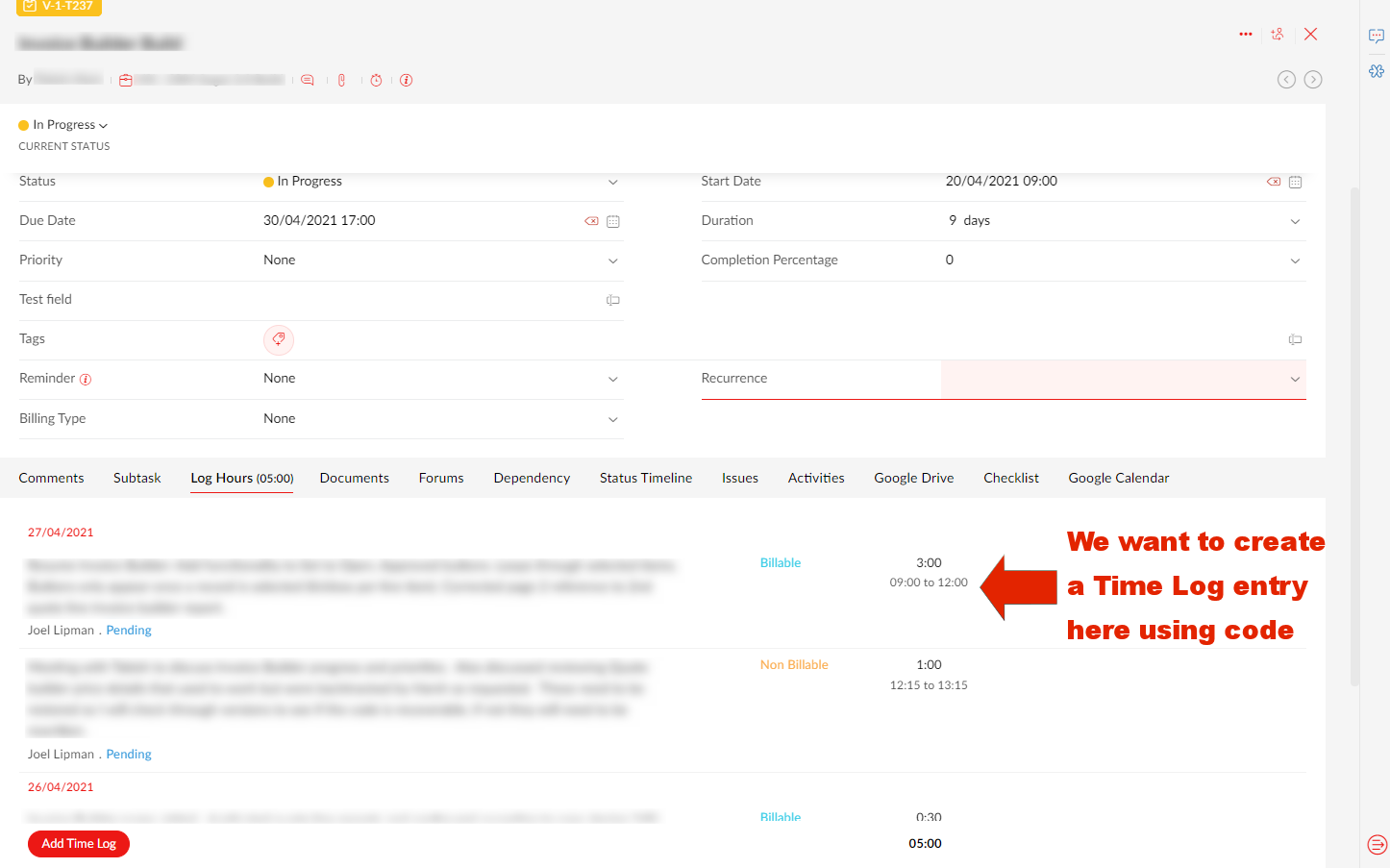
Our use case, is that we are developing a Zoho Creator app that will help staff log time and then push the creator record to Zoho Projects.
How?
For the following example, you will need to have setup a Zoho Oauth Connection with the appropriate authorized scopes and have access to all related systems such as Zoho Projects and the originating app (in this example, Zoho Creator).
Zoho People and Zoho Analytics: Push all Employee Salary Data to Analytics
- Category: Zoho People
- Hits: 11399
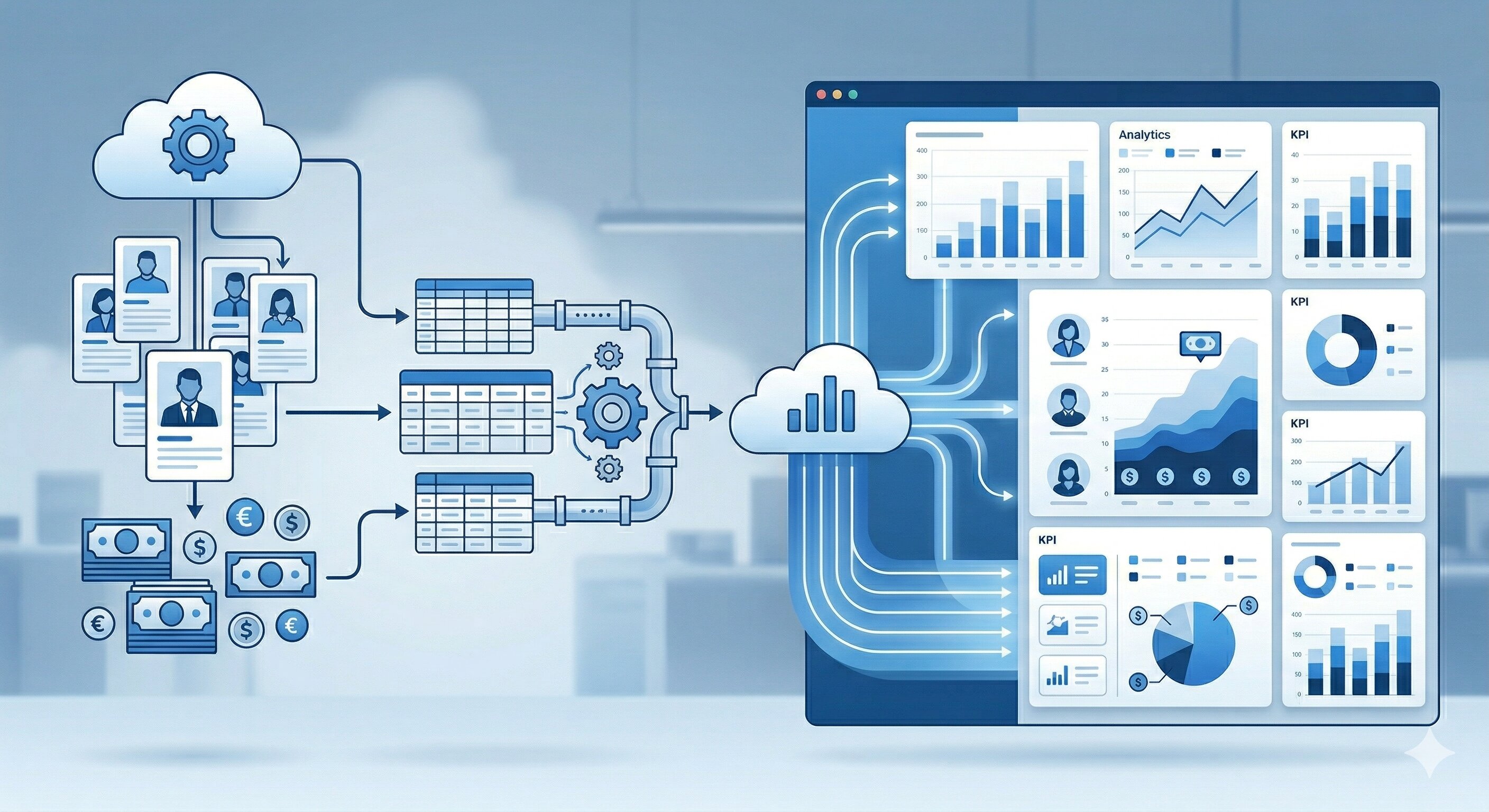
Pretty self-explanatory really. Something to be cautious about but it took me so long to do that I needed an article here to help me if ever I get asked to do it again. Siimply put, Zoho Analytics can't see the Zoho People Salary table within the built-in integration / synchronization.
Why?
My use-case is for a client who has over 1200 employees but similar to performance goals, we need to write code to push the salary data out to a Zoho Analytics table.
How?
Sounds like you could just do as we did with the P_Goals table but I need this to run every night picking up salary changes as well. I don't want to use up 1200+ API calls either to do it which my script for performance goals did. The below will do it with 7 calls (to get 7 pages of 200 records) and 1 call to push into Zoho Analytics...