

I saw this article and rather than bookmark it I thought I could just have it here for easy reference. It was written for Photoshop but I use Paint Shop Pro and felt I could do the same. It's just so complicated in Photoshop when web-developers need to be able to run several programs at the same time and simplicity is king.
In PaintShop Pro you would simply:
How?
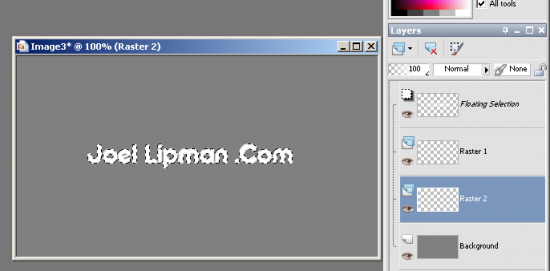
- Insert text as floating, leave the selection on
- Create a new layer beneath
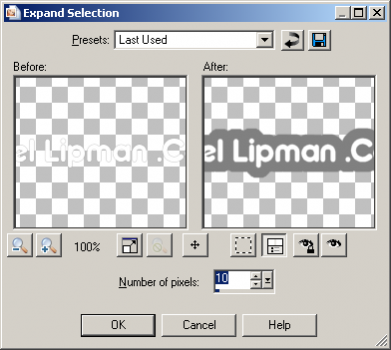
- Go to Selection > Modify > Expand > 10 px
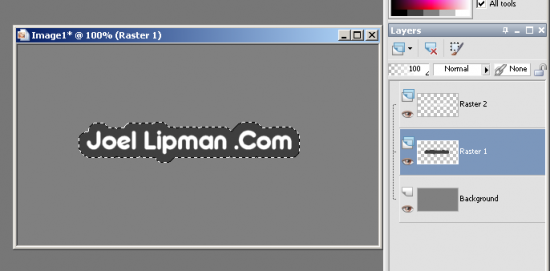
- Fill this selection with another color (in the example below: dark grey)
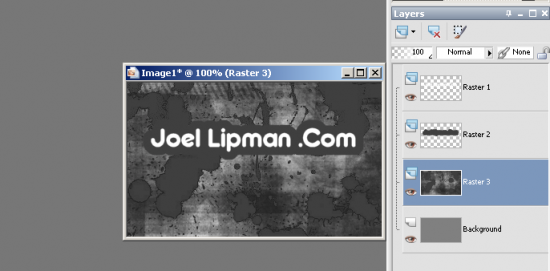
- Add the brush with the same color to that layer...
Category: Graphic Design :: Article: 208











Add comment