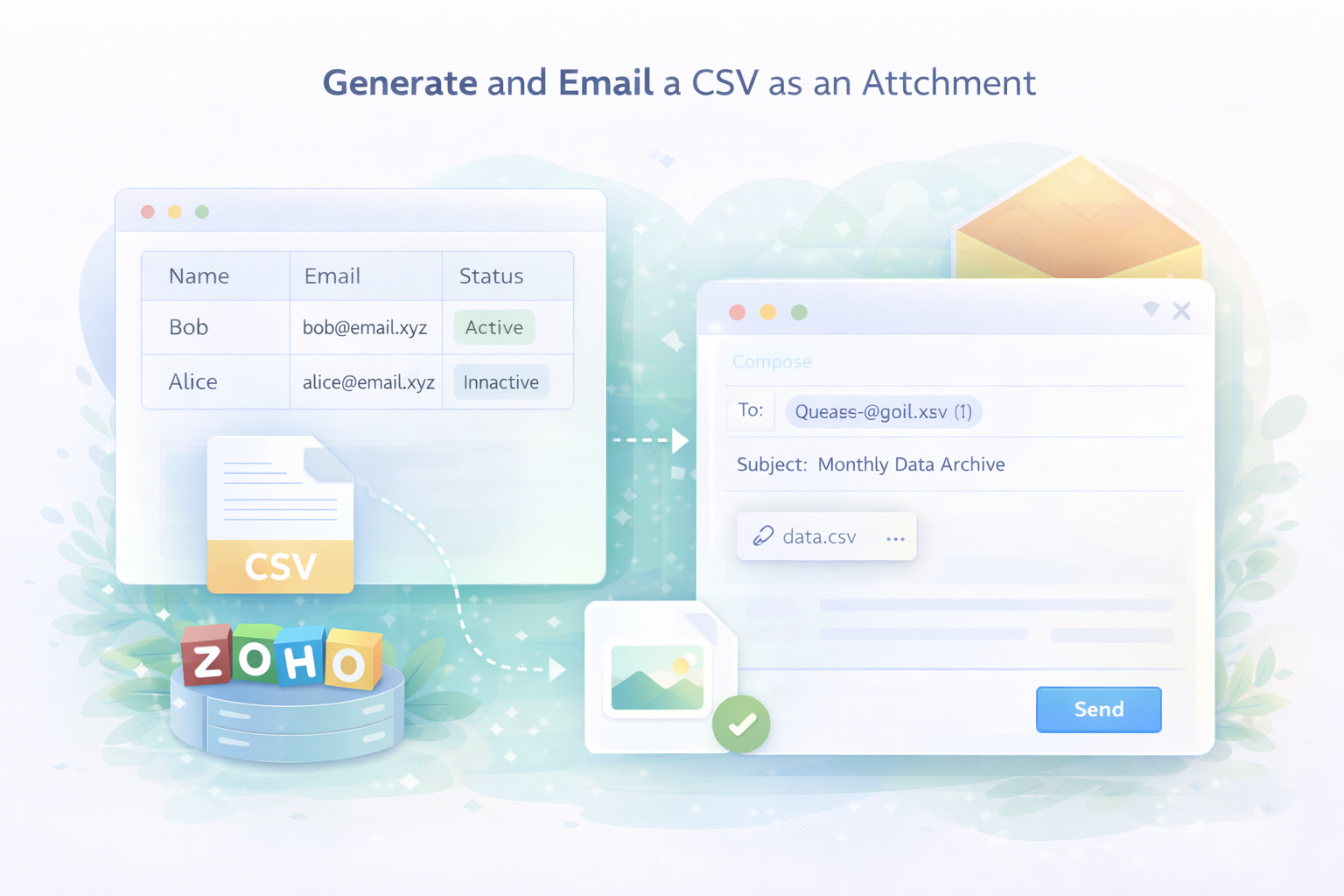
A super quick article to remind me how to generate and send a CSV as an attachment to an email.
Why?
Because I often get casually asked "oh and can you archive the data and email it to me every month"...
How?
Rather than just babble on about it, here's the code, replace what you need just noting that I'm enclosing each value with double-quotes because the values might have commas and someone may want to open this in Google Sheets or Microsoft Excel:
//
// init
l_NewCSVrows = List();
v_ThisEventTime = zoho.currenttime;
//
// loop through dataset
for each r_Event in zoho.crm.getRecords("Events", 1, 200, "Year_Month:equals:2021-06")
{
	v_ThisEventTime = r_Event.get("Event_Time");
	v_ThisEventNote = r_Event.get("Event_Details");
	//
	// now lets add double-quotes for Excel in case the event contains commas
	v_NewCSVline = "\"" + v_ThisEventTime.toString("yyyy-MM-dd HH:mm:ss") + "\",\"" + v_ThisEventNote + "\"";
	l_NewCSVrows.add(v_NewCSVline);
}
//
// generate CSV
v_CSVFilename = "audit-log-" + v_ThisEventTime.toString("yyyy-MM") + ".csv";
v_CSVFile = l_NewCSVrows.toString("\n").toFile(v_CSVFilename);
//
// send via Email
v_Subject = "From your friendly neighborhood developer";
v_Message = "Please find attached the Audit Log for the events dated " + v_ThisEventTime.toString("yyyy-MM");
sendmail
[
	from: zoho.loginuserid
	to: zoho.adminuserid
	subject: v_Subject
	message: v_Message
	attachments:file:v_CSVFile
];
Issue(s):
- CSV being returned in a single line, consider different methods of inserting a new line: Joel Lipman: ZohoDeluge: Inserting a new line character in a CSV
Discussion
Comments
Questions, corrections and useful additions are reviewed before appearing here.
No comments yet. Start the discussion.