
Apple Magic Trackpad with Windows 11 Intel
A quick article to get an Apple Trackpad working with an MS Windows 11 Pro (Intel 64) workstation.
Knowledge base / Since 1999
Practical Windows OS tutorials, troubleshooting notes and implementation guides from real projects.
Advanced search19 entries / Windows OS
Clear filters
A quick article to get an Apple Trackpad working with an MS Windows 11 Pro (Intel 64) workstation.
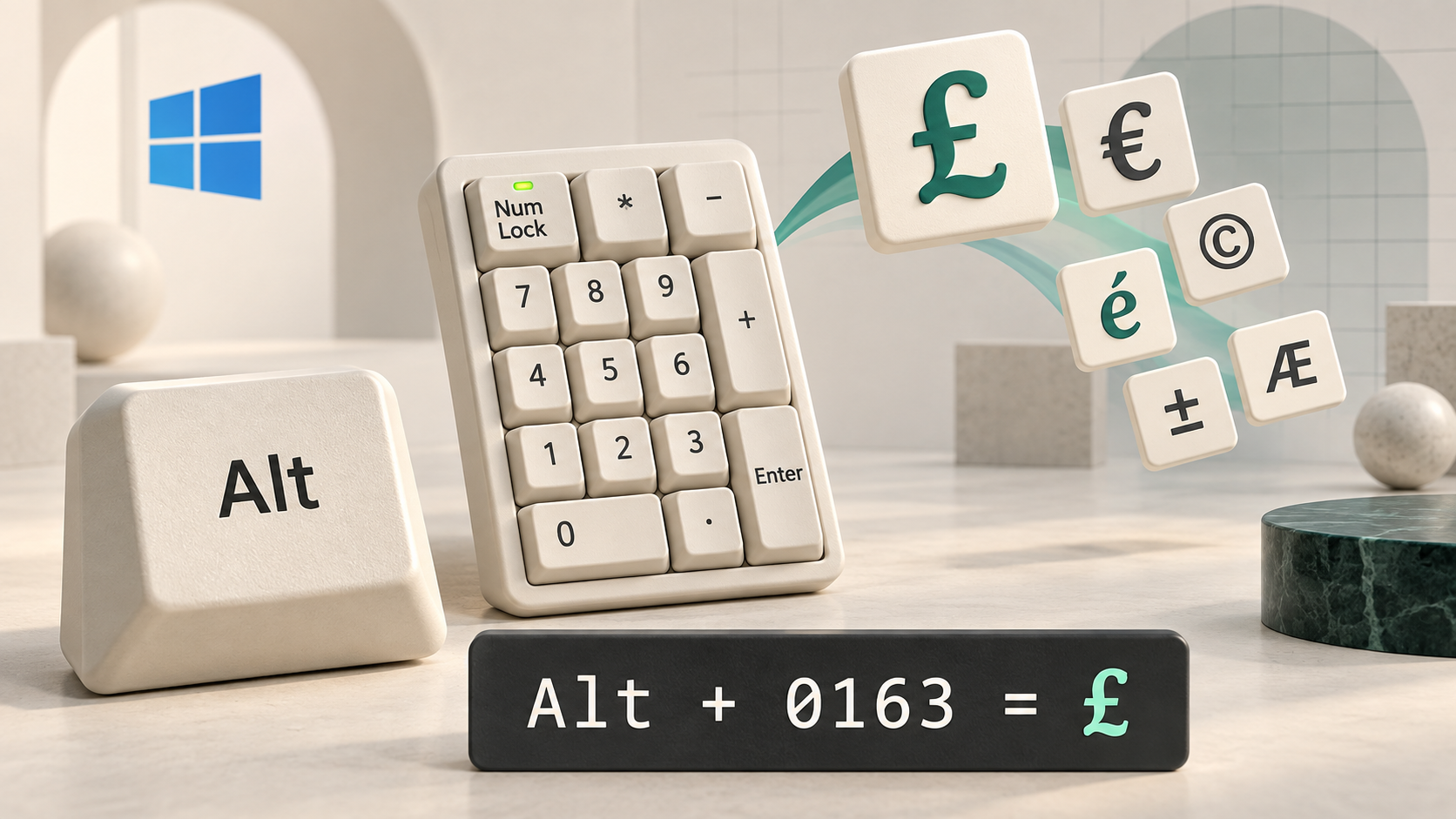
This is a simple article to demonstrate how to type special characters not found on your keyboard or on a Qwerty UK/US keyboard layout.

This is a list of apps that if run via the run command, or used in a desktop shortcut, or that you want to include in automation software such as AutoHotkey, opens any specific Windows OS settings page. This does not make the change to the setting itself, just displays it to the user for them to make the choice.
A quick article on how to update the Microsoft Live Server URL for Hotmail using Windows Live Mail. Well how to deactivate an account and set up a new one in Windows Live Mail. If you used IMAP all along then the new account will have all your mail. The error Unable to send or receive messages for the Hotmail (someone)...
A quick article with the code to retrieve your product key in Windows 7 with a small VB script file. There are other articles on the web about this but the ones I found returned errors such as WshShell not valid. This article has a working example applicable to Windows 7 Professional.
Looking at ways of displaying different drives per user on a single computer. This one is by modifying the system registry, so if you aren't familiar with the system registry in MS Windows, you may need to find someone who is. How? As a proof of concept, let's see how to hide a specific drive. Note that this section ap...
I want to create a desktop shortcut that I can double-click and it will run the above programs in administrator mode without confirmation by the Windows operating system. At home this may not be a problem but this is intended for those in an office environment and we get prompted to login (with the same account as we'r...
Applies to Windows 7. Requires a Vogonian environment of red tape and bureaucracy. This is an article to describe an alternative method then "right-clicking on the desktop", "selecting Personalize", "clicking on Desktop Background", "browsing to the Picture Location". The problem happens when browsing to the picture lo...
We can do this by adding an entry to the context menu (when you right-click on an object). The following is a method of adding this as a single command similar to how we add the "Command prompt from here" option (now built-in to Windows 7). I added this option for him in Windows 7 Ultimate using the system registry (se...
Working principle
This site exists as a practical knowledge base built from real-world experience across systems, platforms, and technologies since 1999. Much of the content documents solutions, edge cases, and working patterns that were learned through investigation where documentation was incomplete or absent, and is shared to reduce the same friction for others.
Recently Added
Zoho Books: Change a Purchase Order's Delivery Address over API Zoho CRM: Presenting ABM for Zoho CRM: Expand and retain your customers with precision Zoho CRM: Announcing the new SKILL.md for Zoho CRM and the updated OAS repository! Zoho CRM: Allow Only Administrators To Change Task Owners Zoho Billing: Workflow does not exist!Protected notes
Log in for protected notes and any private client projects assigned to your account.