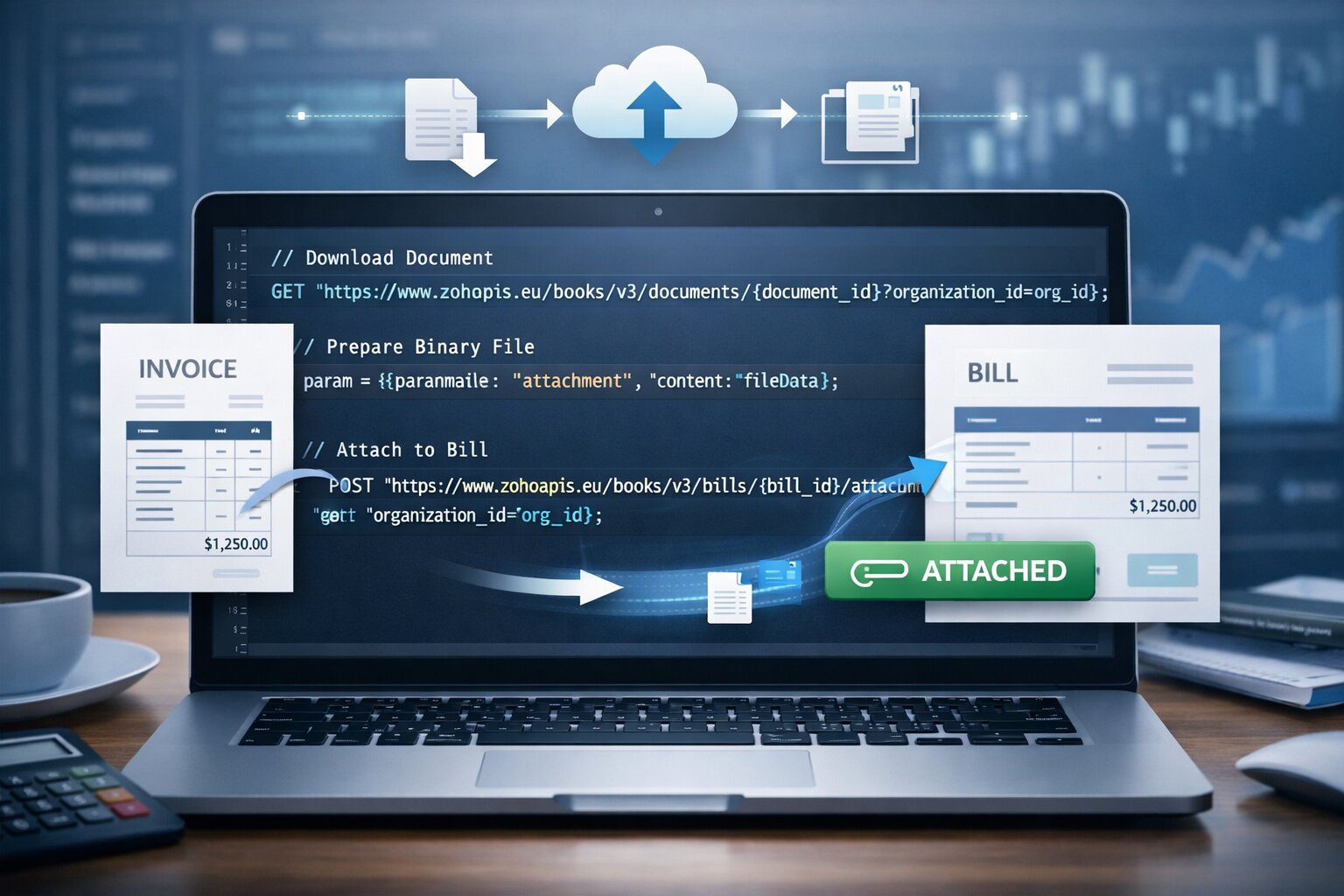
A very quick article updated for 2026 and tested as working to attach a file to a bill in Zoho Books over API.
Why?
There's been some changes (endpoints) as well as the official documentation not helping tremendously. I'm scribbling it here so I can refer to how you attach a document to a record in Zoho Books.
The bigger part of this component is in a solution which replaces the autoscan feature in Zoho Books for received documents (Supplier/Vendor Invoices received to trigger the conversion of the relevant Purchase Order into a Bill and then attach the received invoice to the Bill).
How?
The key part that I was missing was step 2 in the below. Otherwise I would always get the error
{"code":2,"message":"The request passed is not valid."}Note this is on the EU domain and with the updated Zoho Books API endpoints:
/*
{"code":2,"message":"The request passed is not valid."}

Scope(s) required: ZohoBooks.bill.CREATE, ZohoBooks.documents.READ
*/
v_OrgID = organization.get("organization_id");
v_BillID = bill.get("bill_id");
v_DocumentID = document.get("document_id");
//
// 1. Download the document as a file
f_DocumentFile = invokeurl
[
	url :"https://www.zohoapis.eu/books/v3/documents/" + v_DocumentID + "?organization_id=" + v_OrgID
	type :GET
	connection:"zb_doc_get"
];
//
// 2. Prep binary for request
m_File = {"paramName":"attachment","content":f_DocumentFile};
//
// 3. Attach document to bill
r_Attach = invokeurl
[
	url :"https://www.zohoapis.eu/books/v3/bills/" + v_BillID + "/attachment?organization_id=" + v_OrgID
	type :POST
	files:m_File
	connection:"zb_bill_create"
];
info r_Attach;
Discussion
Comments
Questions, corrections and useful additions are reviewed before appearing here.
Discussion Newest first
No comments yet. Start the discussion.