What?
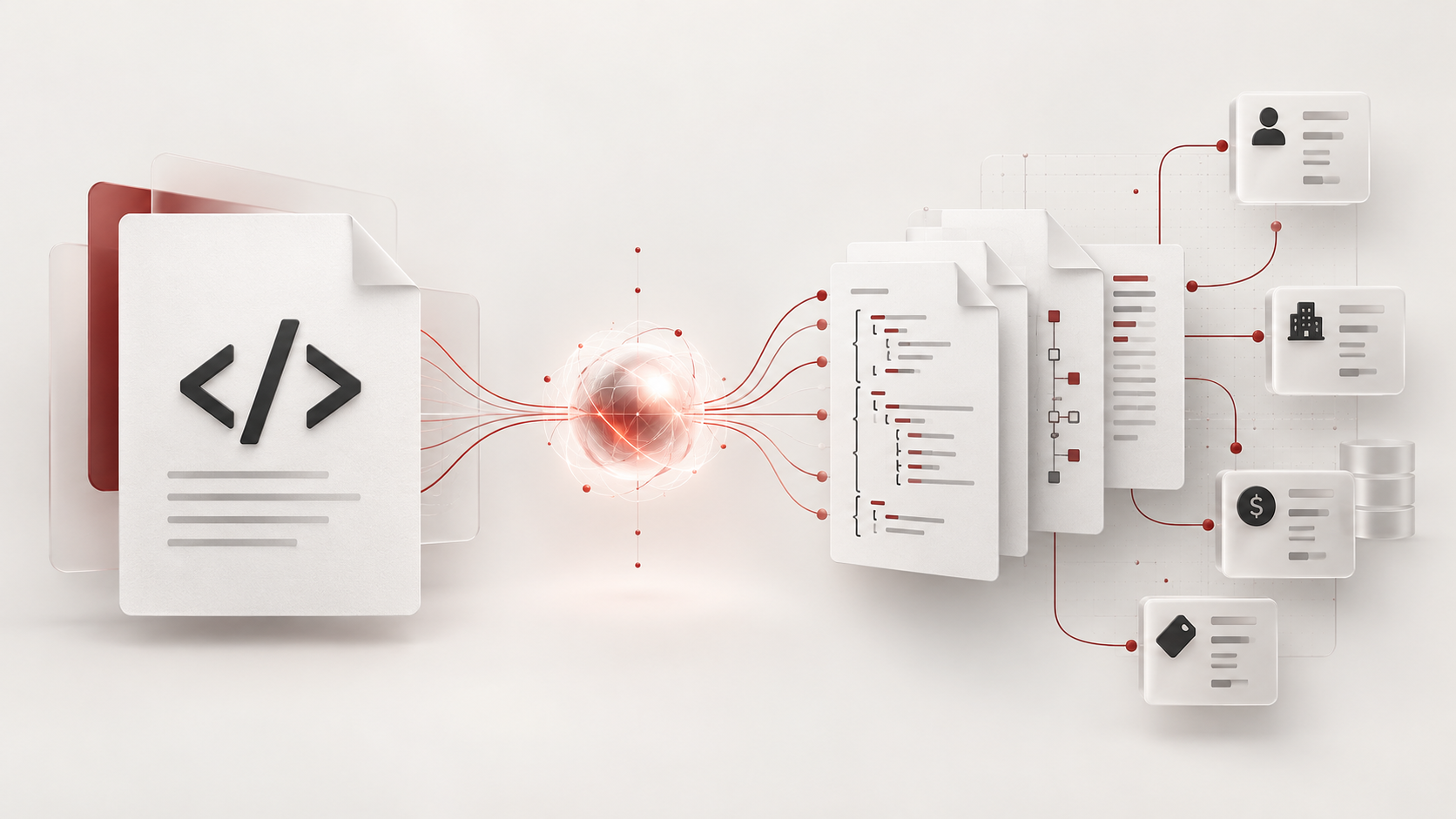
Zoho has announced a new SKILL.md file for Zoho CRM, aimed at developers who work with AI coding assistants. The file is designed to be dropped into an AI harness of your choice — the announcement names tools such as Claude Code, Codex, Cursor and VSCode — so that the assistant has structured, accurate context about Zoho CRM's developer surface: APIs, Deluge functions, widgets, client scripts and COQL queries, among others. Alongside this, Zoho has published an updated OpenAPI Specification (OAS) repository, giving the same tooling a machine-readable description of CRM endpoints.In practical terms, a SKILL.md acts like a briefing document for the AI. Instead of an assistant guessing at Zoho-specific conventions — endpoint shapes, authentication patterns, Deluge syntax quirks, module and field naming rules — it can read the skill file and generate code that actually fits Zoho CRM. The updated OAS repository complements this by describing the REST API in a format both humans and machines can parse.
The editorial task that accompanies this announcement is worth taking seriously: rather than accepting the marketing claim at face value, build a small working demonstration inside Zoho One, measure where the AI output is genuinely useful and where it is unreliable, and document the permissions, guardrails and non-AI fallback needed to use it responsibly.
Why?
Anyone who has asked a general-purpose AI to write Zoho integration code will recognise the failure modes. The assistant invents endpoint parameters, writes Deluge that looks plausible but fails at runtime, confuses CRM modules with Books or Desk equivalents, or produces COQL that will not parse. The result is often more time spent correcting output than it would have taken to write the code from scratch.A maintained skill file and a current OAS specification attack that problem at the root. If the assistant is grounded in accurate, versioned documentation, the proportion of usable first-draft code should rise — but that is a hypothesis to verify, not a guarantee. AI tools can still hallucinate field names, over-permission connections, or produce code that works in a test org but violates data policies in production.
This is why the demonstration-and-measurement exercise matters. A small, contained Zoho One build — for example, a function that reads recent deals and writes a summary back to a custom field — is cheap to run and produces concrete evidence. It tells you whether the AI-assisted workflow saves time in your environment, which task categories it handles well (boilerplate, query construction, widget scaffolding) and which need human review (permissions, error handling, anything touching customer data).
How?
A sensible sequence for the evaluation looks like this:1. **Set up the environment.** Use a developer or sandbox org, never production. Download the SKILL.md and clone or reference the updated OAS repository, and connect your chosen AI harness to the project directory so the skill content is actually loaded.
2. **Build a small demonstration task.** Choose something representative but low-risk: a Deluge function triggered on record update, a COQL query against a standard module, or a simple widget panel. Ask the AI to produce it using the skill context, then deploy and test in the sandbox.
3. **Measure the results systematically.** For each generated artefact, record: did it run first time; how many correction cycles were needed; whether it followed Zoho-specific conventions correctly; and whether errors, when they occurred, were in Zoho-specific logic or general code. Comparing against the same task done without the skill file gives you a fair baseline.
4. **Document permissions and guardrails.** Note which API scopes and connection credentials the generated code requested, and confirm they are the minimum necessary. Decide review gates: no generated code reaches production without a human read-through, especially anything handling personal data, bulk operations or deletion.
5. **Define the non-AI fallback.** Establish that for any task the AI handles badly — or when the skill file drifts out of date after a Zoho release — you revert to the official REST API documentation, the Zoho developer community, and hand-written Deluge. The skill file accelerates work; it does not replace the need to understand the platform.
The concrete check at the end is simple: your demonstration task should run end-to-end in the sandbox with documented, minimal permissions, and you should have a written verdict on where the AI output was reliable. Verify the current version of the skill file and OAS repository against Zoho's announcement page before relying on them, as both are new and likely to evolve.
Source: Announcing the new SKILL.md for Zoho CRM and the updated OAS repository!
Discussion
Comments
Questions, corrections and useful additions are reviewed before appearing here.
Discussion Newest first
No comments yet. Start the discussion.